AFTER A HOSPITAL STAY
Coming home after surgery or a hospital stay
The trip home from the hospital comes with a stack of papers: new medicines, stopped medicines, wound care steps, follow-up appointments and warning signs to watch for. The first days after a hospital stay are when it's easiest for something to slip, especially when several people are helping.
Here's a simple way to organize recovery at home after surgery or a hospital stay, and where Shark Team helps. The discharge instructions come first: if anything on them is unclear, call the number listed and ask.
Before you leave: understand the discharge plan
MedlinePlus, from the National Library of Medicine, describes a discharge plan as a list of the things you'll need or need to do once you leave the hospital, made with your health care providers and your family or friends. Before you leave, ask the nurse to go over it with you and whoever will help at home. Take notes, or take a photo of each page.
A few questions that help:
- Which medicines are new, changed or stopped?
- Which follow-up appointments do I need, and who makes them?
- What warning signs mean I should call, and what's the number?
New meds, changed meds, stopped meds
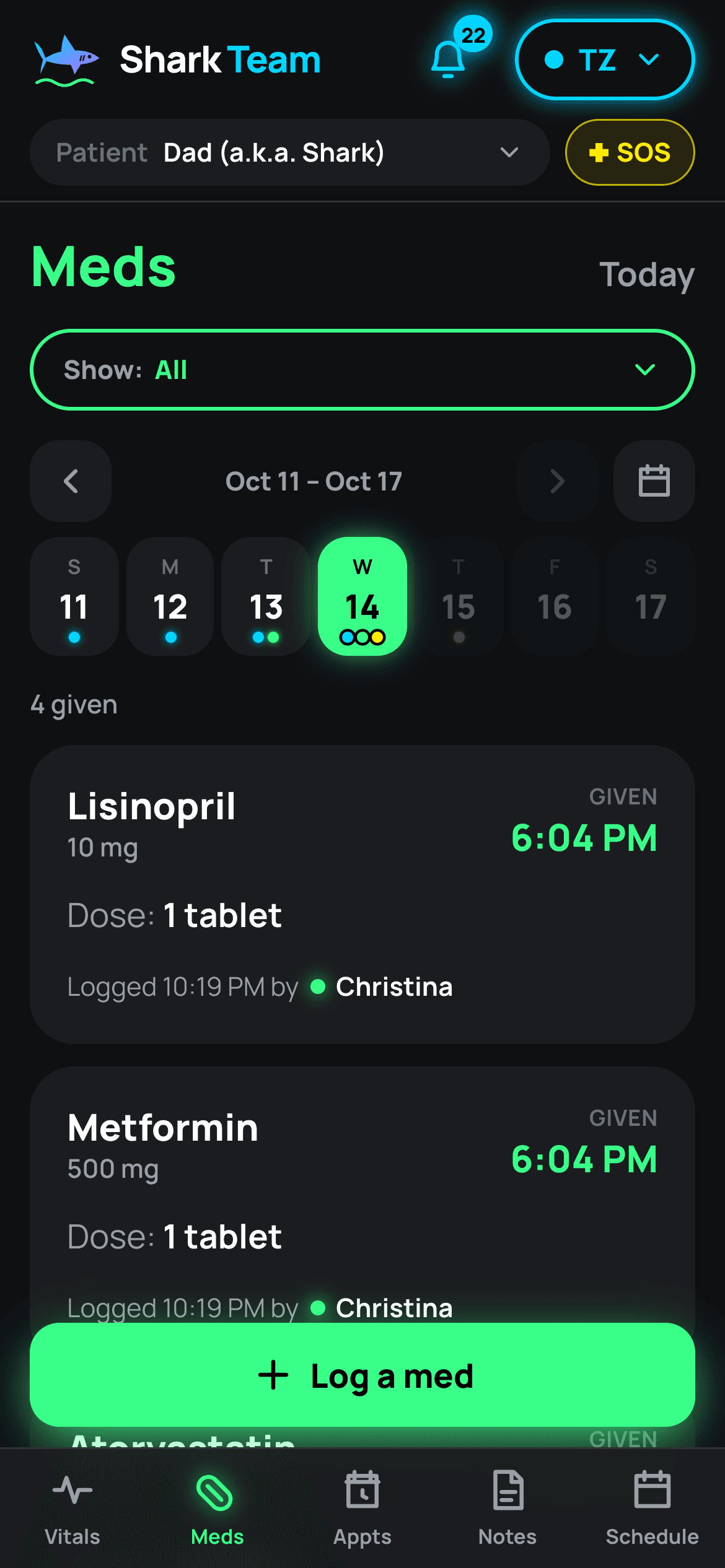
Update the med list on day one. Add the new medicines with reminder times, change the doses that changed, and turn off the ones that were stopped. A stopped med leaves the list, and its history stays.
Whoever gives a dose logs it as given, refused or skipped, with the time and their name, so nobody doubles up and nobody misses one. Our guide to keeping track of a parent's medications has a free printable log. See the medication tracker.
Follow-up appointments, with reminders
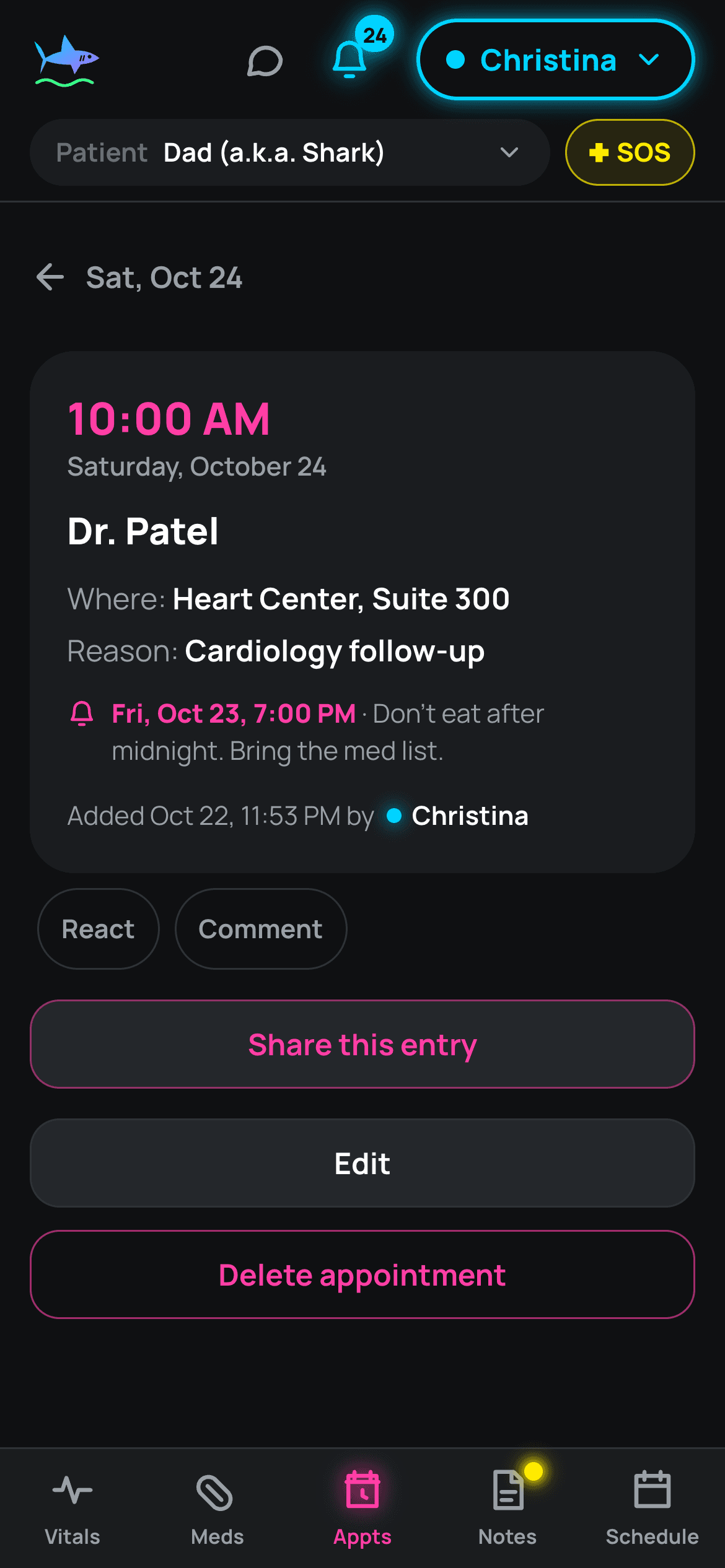
Most hospital stays end with at least one follow-up: the surgeon, the primary care doctor, a specialist or physical therapy. Put each one in Shark Team as soon as it's booked. The Account Holder, the Admins and whoever is going along get a reminder the day before and 2 hours out, and you can add a custom reminder with a note, like “Bring the discharge papers.”
Snap a photo of the papers from each visit right onto the appointment. See appointment reminders.
Vitals and wound photos
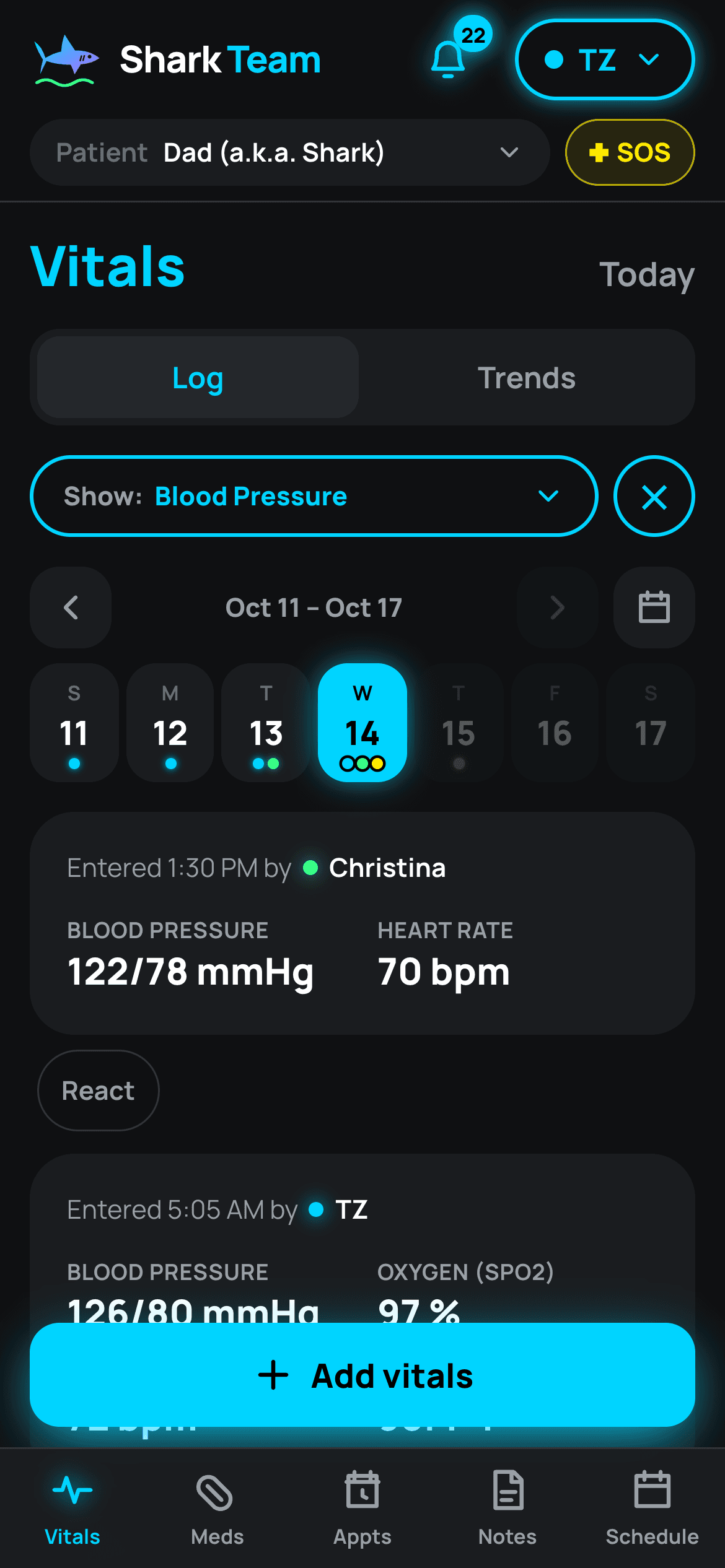
If the doctor asks you to check temperature, blood pressure, weight or oxygen at home, log each reading in the Vitals tab with the date and time. Set an alert for numbers outside the range they give you.
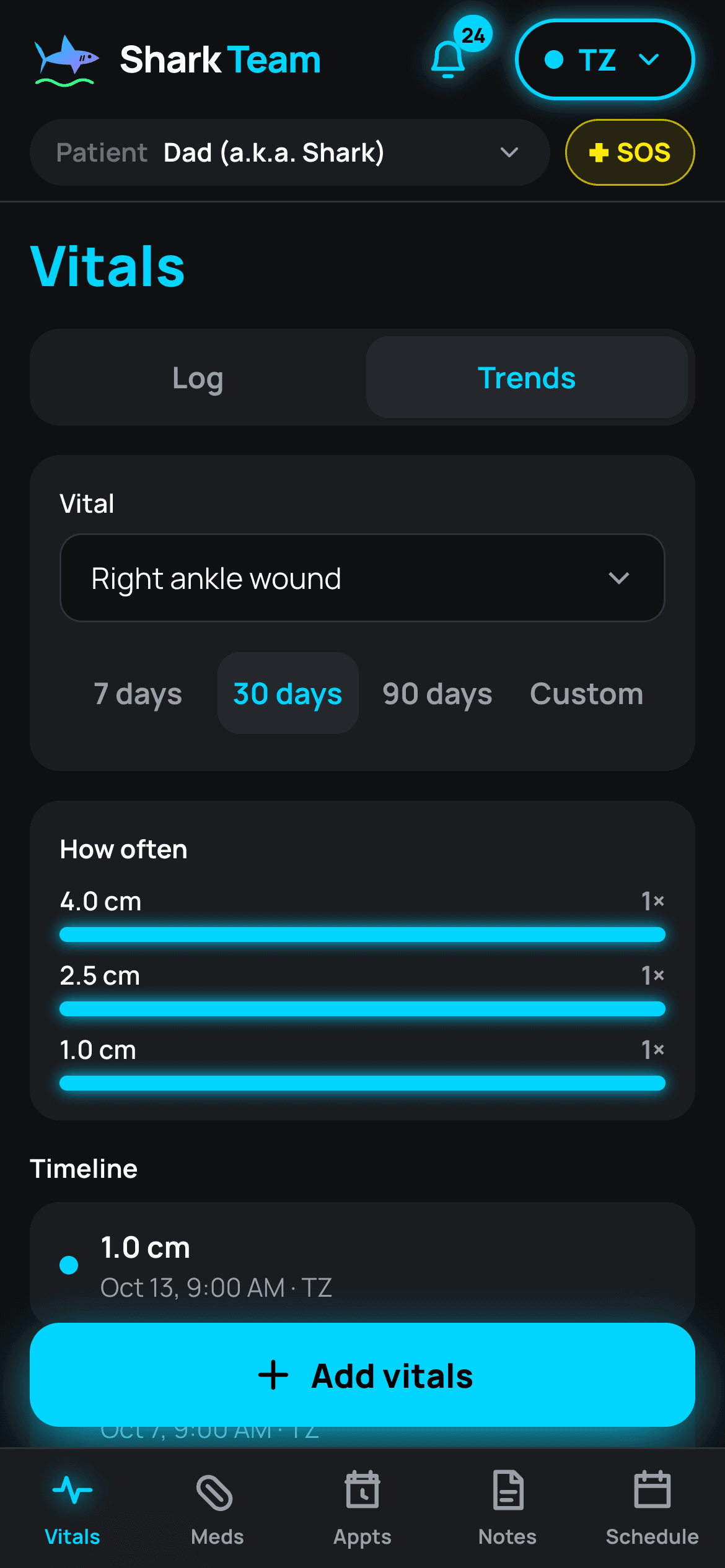
Healing incision or wound? Add a custom vital, like “Incision” or “Right ankle wound,” and log its size with a photo each time you change the dressing. The trend shows whether it's getting smaller, and the photos are there for the follow-up visit. See the vitals tracker.
- Temperature, blood pressure, weight and more
- Wound size with photos, over time
- Alerts outside the doctor's range
Help from family and caregivers
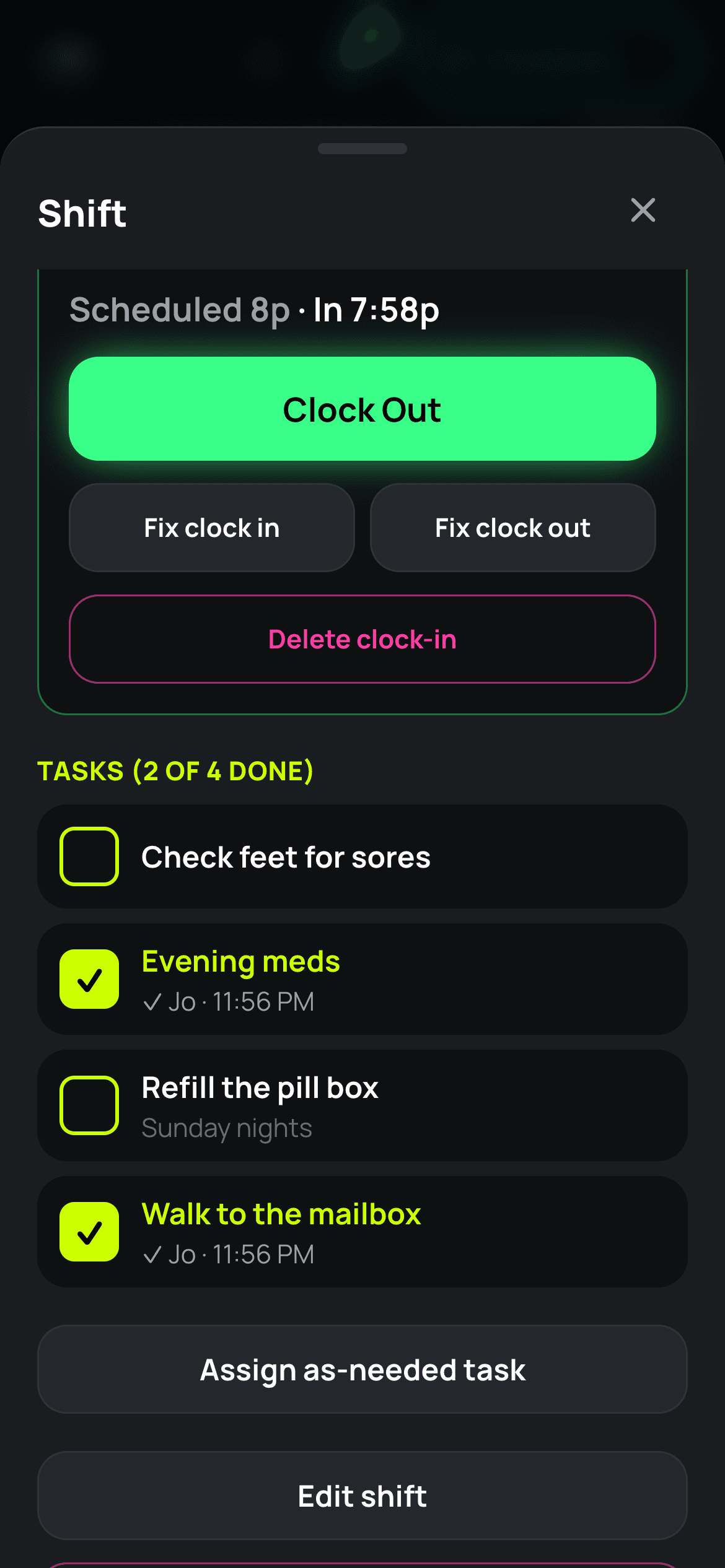
Recovery often takes a team: a spouse, adult children, a neighbor, a visiting nurse or a paid caregiver. Use the caregiver schedule to plan who stays when, and give each shift tasks like “Change the dressing” or “Short walk after lunch.” Post a note so everyone knows how the day went.
Keep the emergency medical card updated with the new meds and the recent surgery. If you have warning signs from the discharge papers, call the doctor, and call 911 in an emergency.
Who this guide is for
After surgery
Track new meds, wound healing and follow-ups.
After a hospital stay
Turn the discharge papers into a plan everyone can see.
Family helping at home
Share the work, and know what's been done.
Recovering on your own
Reminders and a clean record, with nobody else needed.
Sources and further reading
- MedlinePlus (NIH): Your discharge plan: what a discharge plan is and how it helps after you leave
- MedlinePlus (NIH): Caregivers: help for family caring for someone at home
Private by design
Each patient's information is shared only with the people you invite, and each role sees only what it should. We never sell your data, there are no ads, and there's no tracking. Lock-screen notifications never show readings or message text. Read our privacy policy.
Not medical advice
Shark Team helps you keep good records and share them. It doesn't give medical advice, diagnose anything or replace your doctor, nurse or pharmacist. In an emergency, call 911.
After a hospital stay: questions
Does Shark Team give wound care or recovery advice?
No. Follow your discharge instructions and talk to your doctor or nurse. Shark Team helps you keep the record and share it.
Can I save photos of the discharge papers?
Yes. Add photos to an appointment or a note, so the papers are with the visit they belong to.
Can a visiting nurse or caregiver use it?
Yes. Invite them as a Caregiver to log vitals, meds and tasks, or as a Viewer to see without changing anything.
How long should I keep tracking?
As long as your doctor wants readings, or as long as it helps. Turn off any feature you stop using.
Is it free?
Early access is free.
Get your family's care on the same page.
Early access is free. We'll set you up personally.