SHARK TEAM VS. GROUP TEXTS
Shark Team vs. group texts for family care
“Did anyone give Dad his evening pills?” If your family's care runs on a group text, you've sent that message, and then scrolled back through 200 others looking for the answer. We did it for years.
Group texts are fast and everyone already uses them. Here's an honest comparison: what a group chat does well, where it breaks down for family care, and where Shark Team helps more.
What group texts do well
They're instant, free and already on every phone. Nobody needs to learn anything. For quick questions (“Who's picking up the prescription?”) and for sharing the good moments, a group text is hard to beat.
- Instant and free
- Everyone already knows how
- Great for quick questions and good news
Where a group chat breaks down
Everything lives in one long scroll. A blood pressure reading from Tuesday sits between a birthday photo and a debate about dinner. Nobody can find it on Friday, and the doctor will never see it.
There's no record of which doses were given, no way to see a trend, and no way to share only part of it. Adding a paid caregiver means giving them every family message too. And when someone changes phones, the history can go with it.
- Important updates get buried
- No dose log or vitals history
- Caregivers see every family message
What Shark Team adds
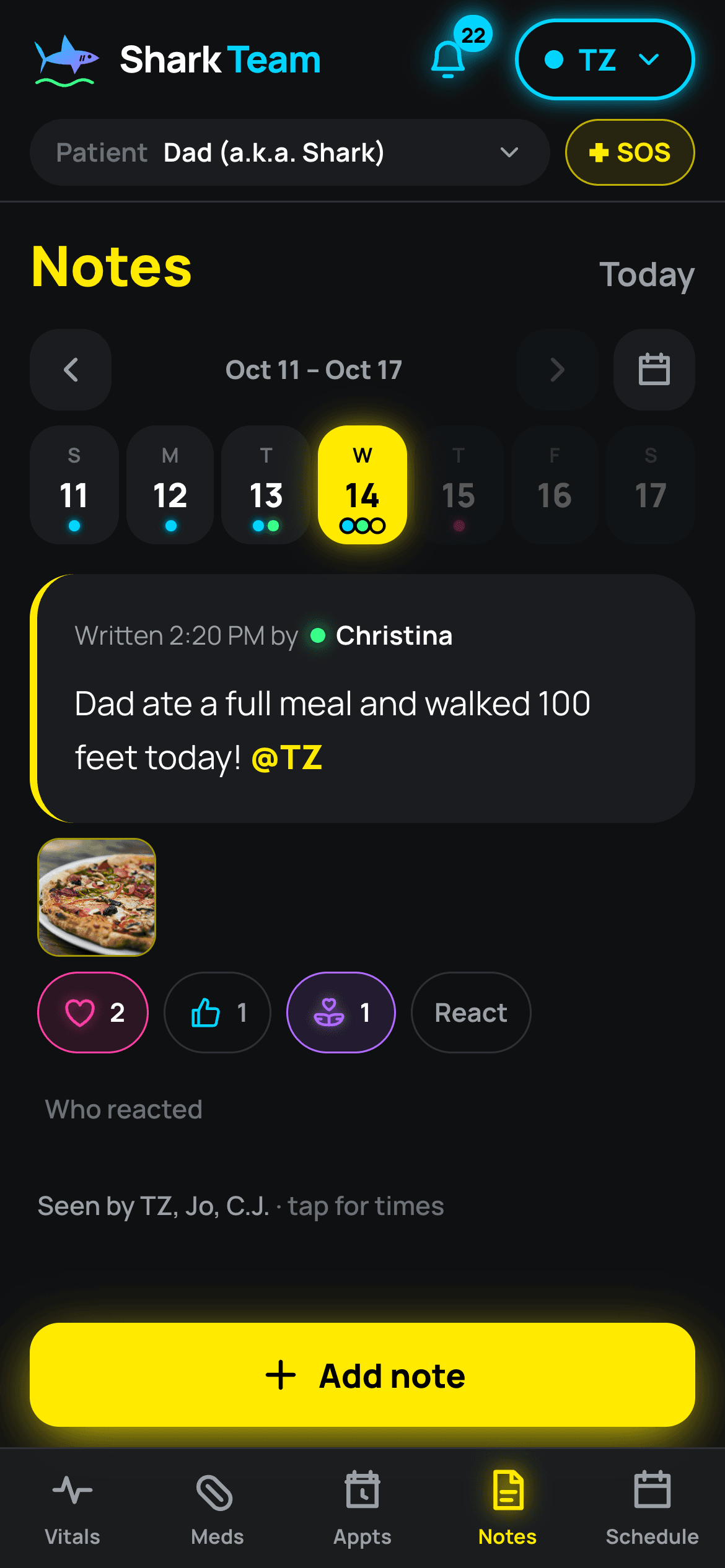
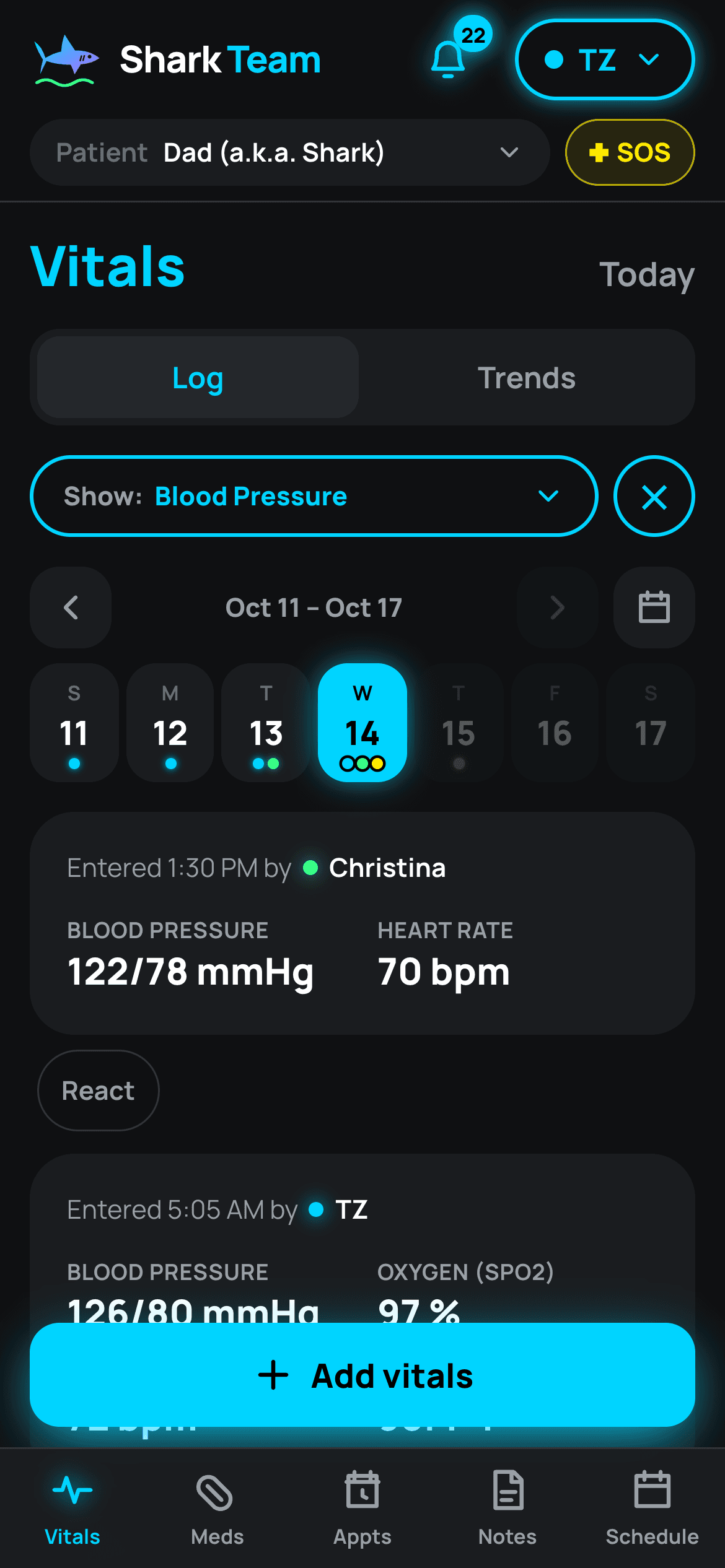
Each kind of update has its own place. Readings go in Vitals, doses go in the Meds log, visits go in Appointments, and updates go in Notes, where you can add a photo or video and @mention the people who need to see it. Account Holders and Admins can see who's read a note.
See family care coordination and the vitals tracker.
Conversations that stay on topic
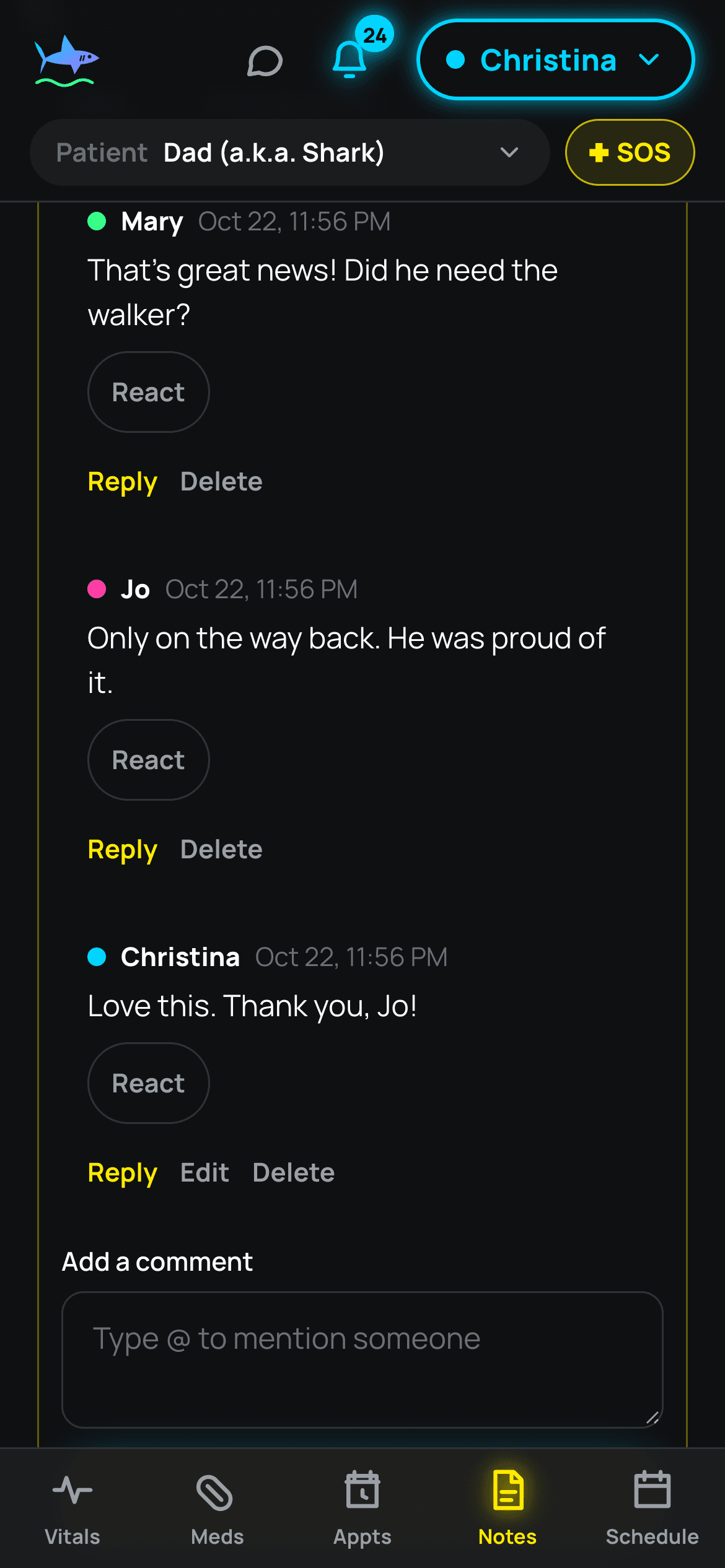
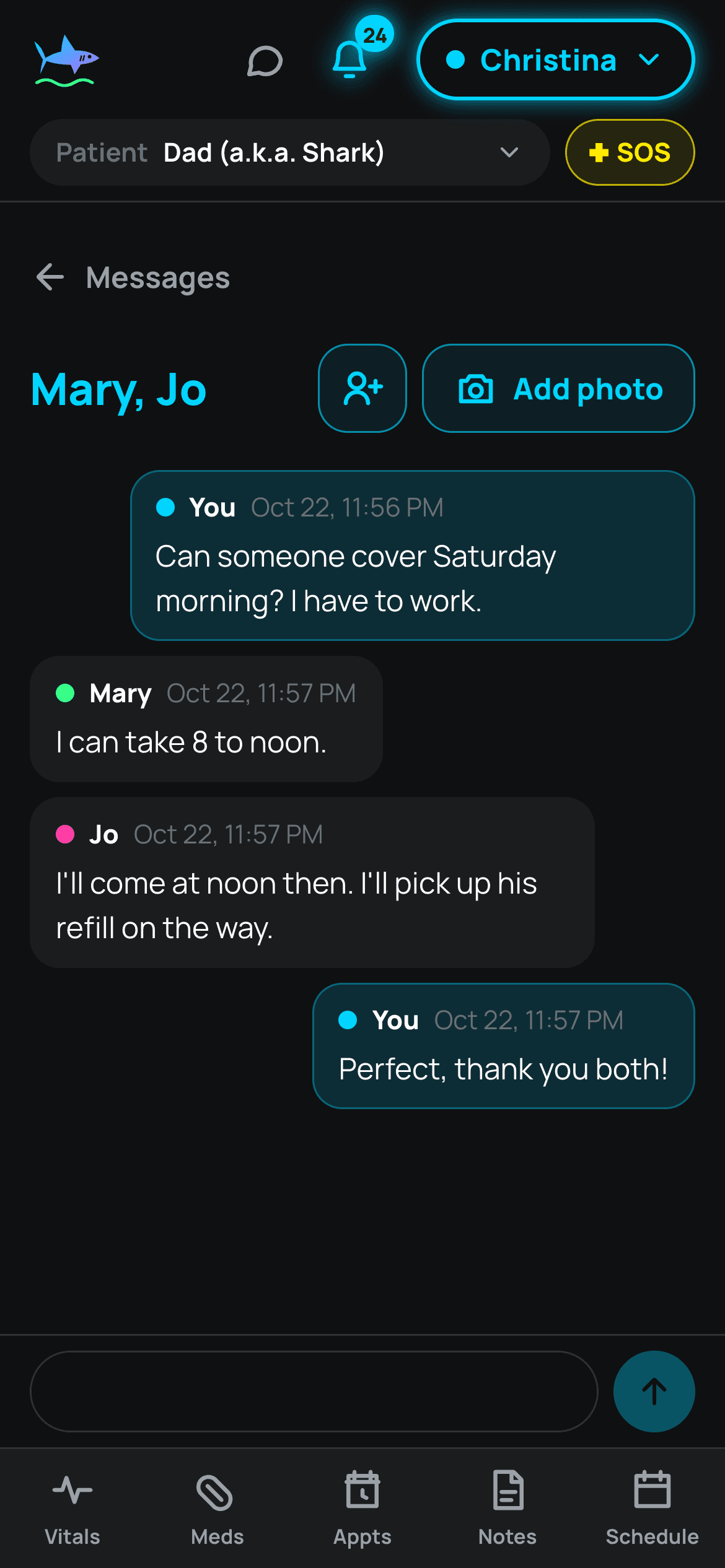
Comments stay under the note or reading they're about, so the question about Dad's walk stays next to the note about his walk. Private messages are there when two or three people need to plan something, and only the people in the chat can see it.
Keep the group text for the fun stuff
You don't have to give up the family group chat. Keep it for photos and jokes, and let the care live in Shark Team, where it's organized and easy to find. Our guide on coordinating care with siblings has more ideas for sharing the work.
Getting started is simple: invite everyone from the group chat with a link, choose each person's role, and post the first note. Most families find that within a week, the “did anyone…?” messages stop, because the answer is already in the app for anyone to check.
Side by side
| What you need | Group texts | Shark Team |
|---|---|---|
| Vitals | Group textsLost in the scroll | Shark TeamSaved with who took it, with trends |
| Medications | Group texts“Did anyone give…?” | Shark TeamA dose log with who gave each dose, and when |
| Appointments | Group textsMentioned once, then buried | Shark TeamSaved, with reminders the day before and 2 hours out |
| Family updates | Group textsOne long thread | Shark TeamNotes with photos, videos, @mentions and comments on each one |
| Caregivers | Group textsSee every family message | Shark TeamSee only what their role allows |
| Records for the doctor | Group textsScreenshots | Shark TeamA PDF or spreadsheet for any dates |
| Cost | Group textsFree | Shark TeamEarly access is free |
Private by design
Each patient's information is shared only with the people you invite, and each role sees only what it should. We never sell your data, there are no ads, and there's no tracking. Lock-screen notifications never show readings or message text. Read our privacy policy.
Not medical advice
Shark Team helps you keep good records and share them. It doesn't give medical advice, diagnose anything or replace your doctor, nurse or pharmacist. In an emergency, call 911.
Group texts vs. Shark Team questions
Do we have to stop our family group chat?
No. Keep it for photos and jokes, and keep the care in Shark Team, where it's easy to find later.
Does Shark Team have messaging?
Yes. Notes with comments for the whole team, and private messages for just the people you pick.
Will everyone get too many notifications?
Each person chooses what they're notified about. Lock-screen notifications never show readings or message text.
Is it free?
Early access is free.
Get your family's care on the same page.
Early access is free. We'll set you up personally.