SHARK TEAM VS. YOUR NOTES APP
Shark Team vs. your phone's notes app for health info
Your med list is in a note called “Meds.” Your blood pressure is in another one. The kids' allergy info is in a third, and the pediatrician's number is somewhere in your contacts. If that sounds familiar, you're in good company.
Your phone's notes app is a fine place to start. Here's an honest comparison for people tracking their own health or their family's, and where Shark Team helps more.
What a notes app does well
It's already on your phone, it's fast, and you can type anything. A note is a great place for a med list you show at the pharmacy or a few questions for your next doctor visit. Many notes apps sync to your other devices, and some let you share a note.
- Already on your phone
- Fast and flexible
- Good for quick lists and questions
Where notes get messy
A note doesn't know a blood pressure reading from a grocery list. There's no chart, no reminder to take your evening pill, and no warning if your child's fever medicine was given too soon. Over time the notes get long, and the newest reading ends up at the bottom, or the top, depending on the day.
For a family it's harder still: one parent's notes aren't the other parent's notes, and the babysitter can't see either.
- No reminders, trends or alerts
- Everyone has their own copy
- Hard to hand to a doctor
What Shark Team adds for you
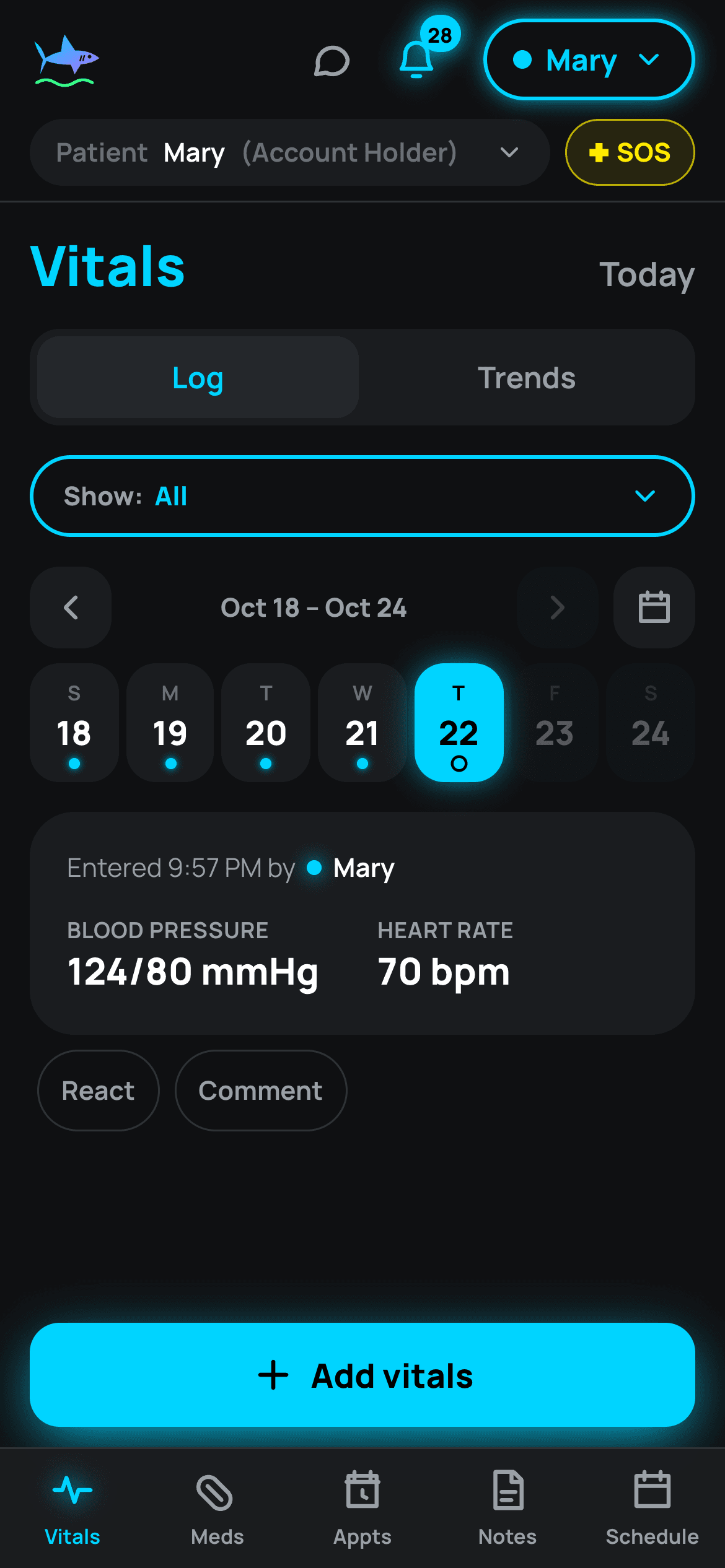
Your vitals, meds and appointments each have their own place. Log a reading in a few taps and see the trend. Get a reminder for every dose and every appointment. Before a visit, export a clean PDF for your doctor. No caregivers needed. See the personal health tracker.
What Shark Team adds for parents
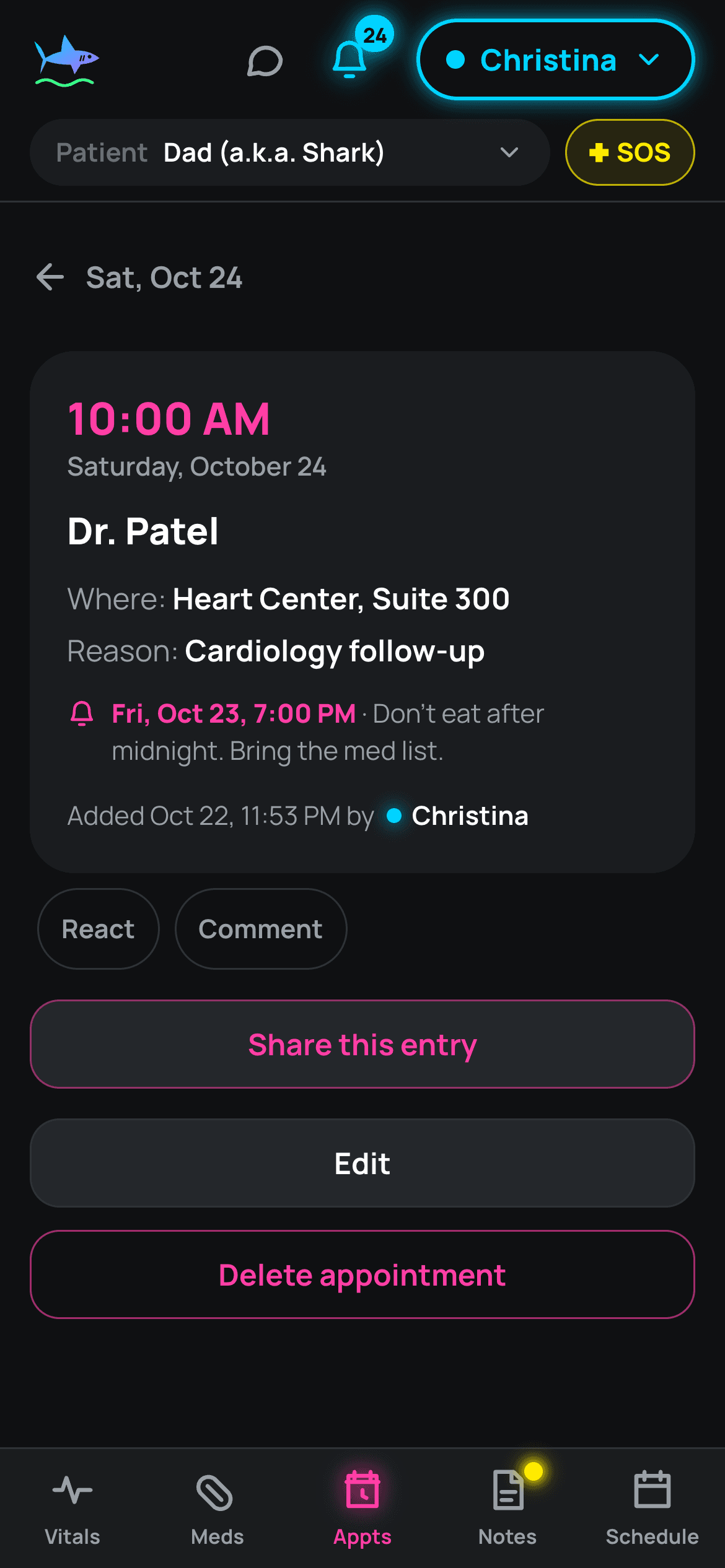
Give each person in your household their own profile and switch with one tap. Both parents see the same dose log, so nobody doubles up, and a grandparent or babysitter can log doses too. See the family health tracker.
The emergency info, ready in one tap
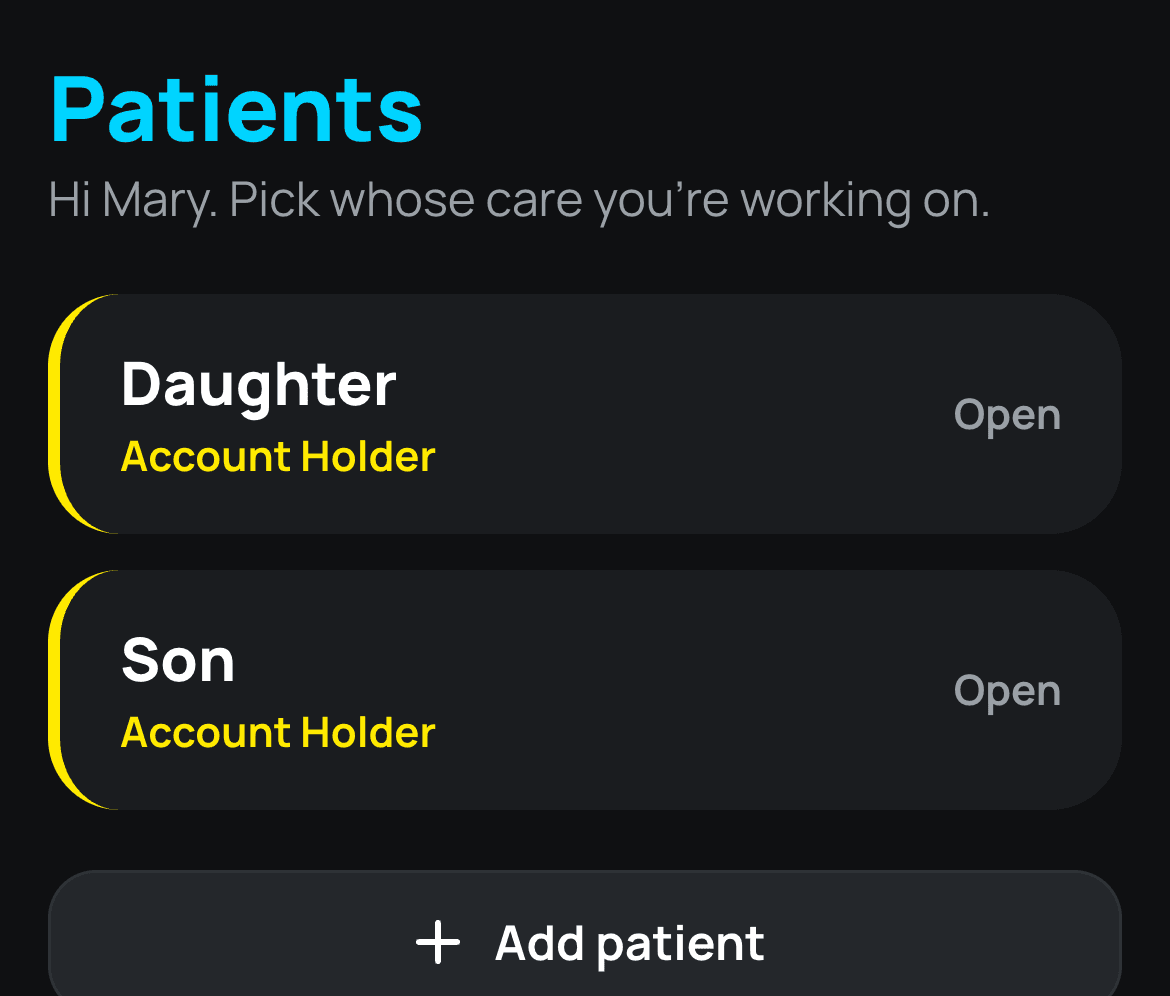
In an emergency, nobody wants to search through notes. Shark Team builds an emergency medical card from your records: allergies, conditions, meds, doctors and emergency contacts. It opens with the SOS button, works with no signal, and shares as a PDF.
Keep using your notes app for everything else: grocery lists, gift ideas, the Wi-Fi password. Your health records just get a better home, with the reminders, history and sharing a note can't give you. Moving over takes a few minutes: add your meds and doctors once, and log new readings as you take them.
Side by side
| What you need | Notes app | Shark Team |
|---|---|---|
| Vitals | Notes appTyped into a note | Shark TeamSaved readings with trends and range alerts |
| Medications | Notes appA list, no reminders | Shark TeamReminders, a dose log and an as-needed dose warning |
| Appointments | Notes appSomewhere in a note | Shark TeamSaved with reminders the day before and 2 hours out |
| The whole family | Notes appSeparate notes, separate phones | Shark TeamA profile for each person, shared with who you choose |
| Emergency info | Notes appSearch for it | Shark TeamOne tap from SOS, even offline |
| Records for the doctor | Notes appCopy and paste | Shark TeamA PDF or spreadsheet for any dates |
| Cost | Notes appFree | Shark TeamEarly access is free |
Private by design
Each patient's information is shared only with the people you invite, and each role sees only what it should. We never sell your data, there are no ads, and there's no tracking. Lock-screen notifications never show readings or message text. Read our privacy policy.
Not medical advice
Shark Team helps you keep good records and share them. It doesn't give medical advice, diagnose anything or replace your doctor, nurse or pharmacist. In an emergency, call 911.
Notes app vs. Shark Team questions
Is Shark Team only for caregivers?
No. Many people use it just for their own health, or for their household. Turn off Schedule and Tasks if you don't have caregivers.
Can I keep using my notes app?
Of course. Keep it for everything else, and keep your health records in Shark Team, where they're organized.
Does it work on iPhone and Android?
Yes. It works on iPhones (in Safari), Android phones (in Chrome), tablets and computers.
Is it free?
Early access is free.
Get your family's care on the same page.
Early access is free. We'll set you up personally.