SHARK TEAM VS. A SHARED CALENDAR
Shark Team vs. a shared calendar for family care
For eight years, our family ran our dad's care on a shared phone calendar. Every doctor visit, every caregiver shift and, for a while, every dose went on it. It worked, until it didn't: the calendar cluttered everyone's phone, and it couldn't tell us whether Dad actually got his meds.
A shared calendar is a great tool for dates. Here's an honest look at what it does well, where it falls short for family care, and when Shark Team helps more.
What a shared calendar does well
It's free, it's already on everyone's phone, and everybody knows how to use it. For a handful of appointments a month, a shared calendar is often all a family needs. It sends reminders, it works with your work calendar, and it's easy to see what's coming this week.
If your family only needs to know when the next doctor visit is, keep using it. Seriously.
- Free and already on every phone
- Good reminders for dates and times
- Easy to see the week at a glance
Where a calendar falls short for family care
Care isn't only dates. A calendar has nowhere to log a blood pressure reading, no way to mark a dose as given or refused, and no record of who did what. Putting daily meds on it fills everyone's phone with events, and after a few weeks people stop looking.
It also mixes care with everything else in your life. A sibling who wants to know how Dad is doing has to scroll past your dentist appointment and your kid's soccer game, and there's no easy way to hand the doctor a clean history.
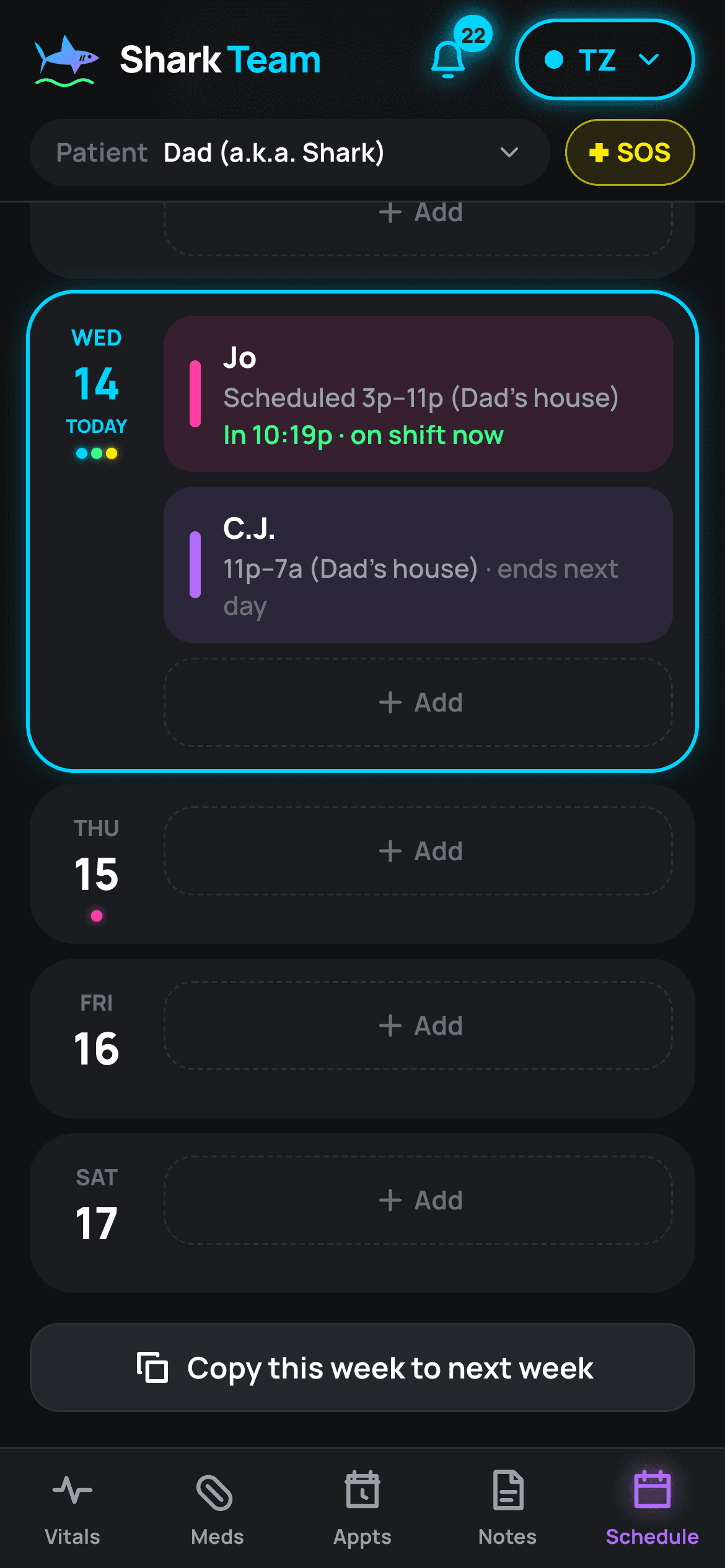
- No place for vitals or a dose log
- Daily meds clutter everyone's phone
- Care gets mixed with everything else
What Shark Team adds
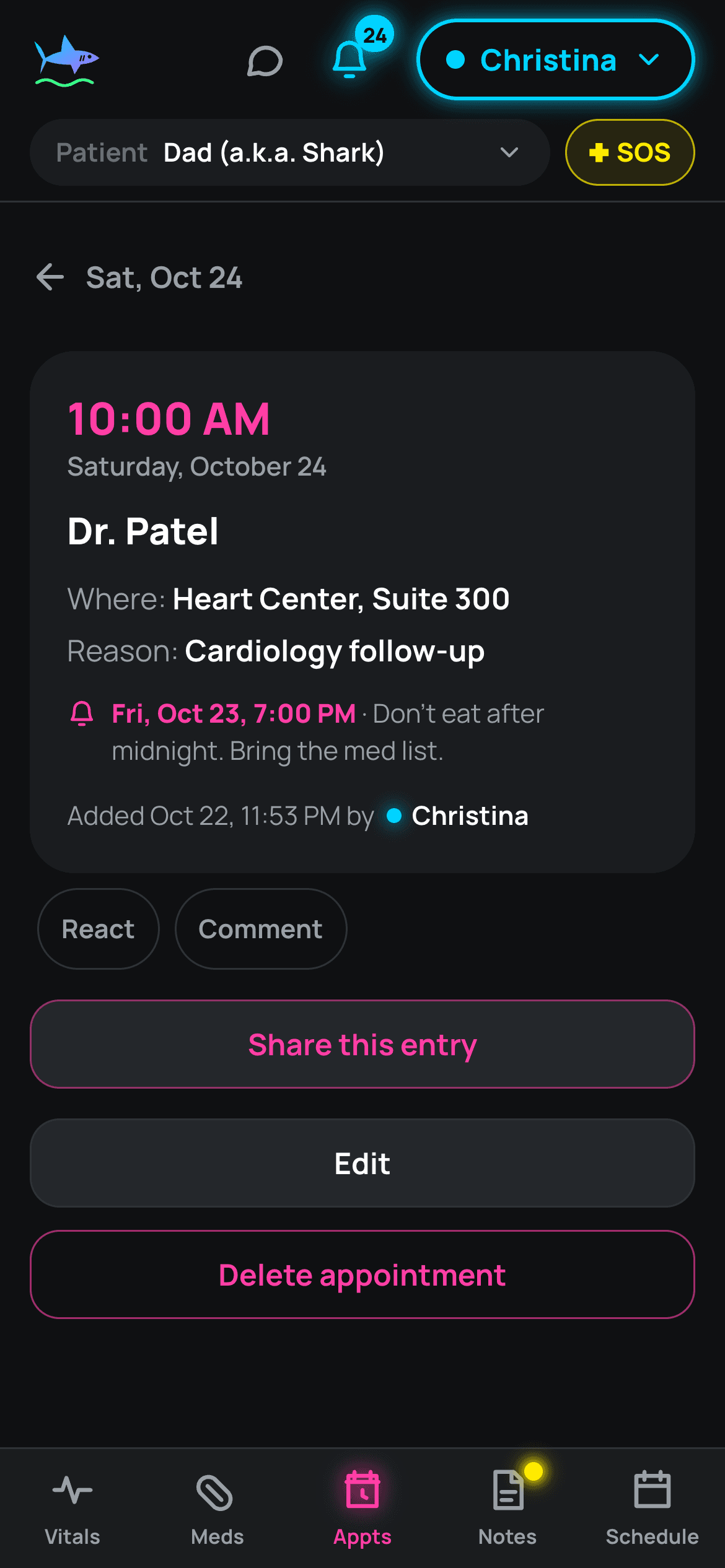
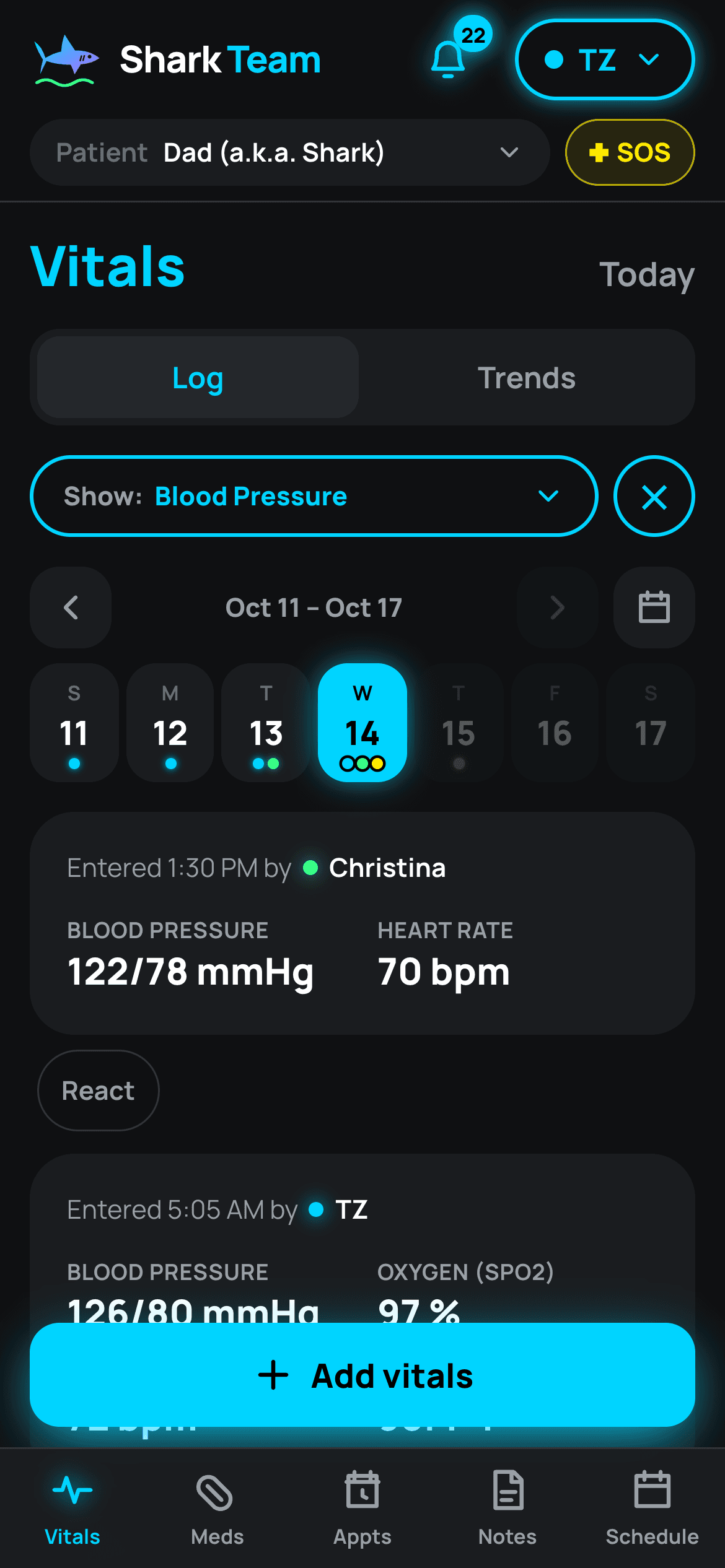
Shark Team keeps the appointments, with reminders the day before and 2 hours out, and adds everything around them: vitals with trends, a medication log with who gave each dose, notes with photos and videos, and caregiver shifts with clock-in and handoffs. It's all for one person, in one private place, shared only with the people you invite.
See appointment reminders, the medication tracker and the caregiver schedule.
Shifts that know who actually showed up
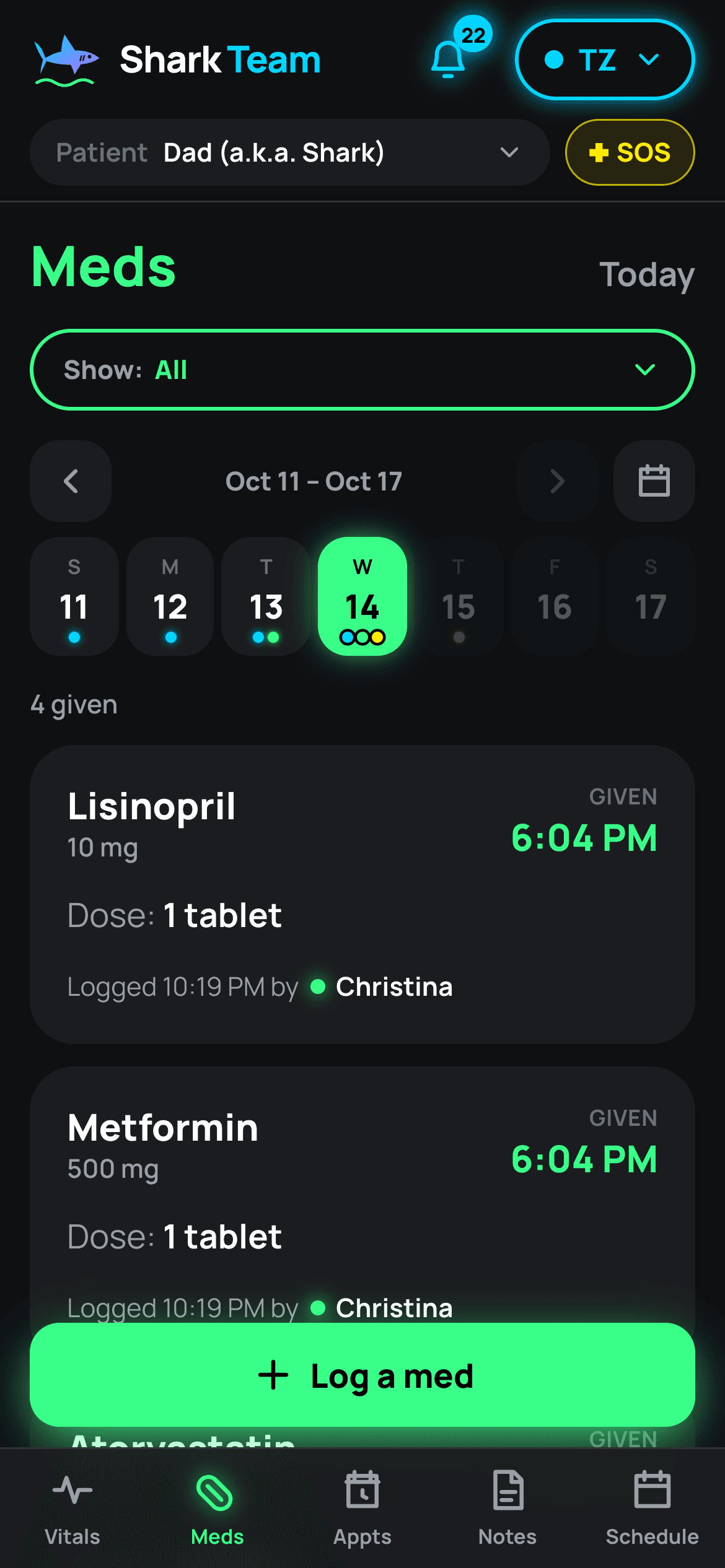
A calendar event says a caregiver is scheduled from 7 to 3. Shark Team's schedule also shows when they clocked in and out (with GPS, within 500 feet), which tasks got done, and the handoff they left for the next person. Hours worked add up for any dates you choose.
Use both, if you like
Plenty of families keep their personal calendars and use Shark Team for care. The doctor visit can live in both places; the readings, doses, notes and shifts live in Shark Team, where the whole family can find them later.
Tracking your own health instead of someone else's? See the personal health tracker.
Side by side
| What you need | Shared calendar | Shark Team |
|---|---|---|
| Vitals and trends | Shared calendarNo place for readings | Shark TeamEvery reading with who took it, trends and range alerts |
| Medications | Shared calendarEvents or reminders only | Shark TeamA dose log: given, refused or skipped, with who and when |
| Appointments | Shared calendarYes, with reminders | Shark TeamYes, with reminders, saved doctors and photos of visit papers |
| Family updates | Shared calendarEvent notes, easy to miss | Shark TeamNotes with photos, videos and @mentions; Admins see who's read them |
| Caregiver shifts | Shared calendarScheduled times only | Shark TeamShifts, GPS clock-in, hours, tasks and handoffs |
| Records for the doctor | Shared calendarHard to export | Shark TeamA PDF or spreadsheet for any dates |
| Cost | Shared calendarFree | Shark TeamEarly access is free |
Private by design
Each patient's information is shared only with the people you invite, and each role sees only what it should. We never sell your data, there are no ads, and there's no tracking. Lock-screen notifications never show readings or message text. Read our privacy policy.
Not medical advice
Shark Team helps you keep good records and share them. It doesn't give medical advice, diagnose anything or replace your doctor, nurse or pharmacist. In an emergency, call 911.
Shared calendar vs. Shark Team questions
Do I have to stop using our shared calendar?
No. Many families keep their calendars and use Shark Team for the care itself: readings, doses, notes and shifts.
Does Shark Team send appointment reminders?
Yes. The Account Holder, the Admins and whoever is going along get a reminder the day before and 2 hours out, and you can add your own custom reminders.
Is it harder to learn than a calendar?
Not much. Turn on only the features you need, and the app shows a quick tour the first time you sign in.
Is it free?
Early access is free.
Get your family's care on the same page.
Early access is free. We'll set you up personally.