PERSONAL HEALTH TRACKER
A personal health tracker for your own vitals, meds and visits
You don't need a care team to keep good health records. Maybe your doctor asked you to check your blood pressure every morning, or you just started a new medication and want reminders. Maybe you're tired of trying to remember dates and numbers in the exam room.
Shark Team works great as a personal health tracker. No caregivers needed: pick “Myself” when you set up, turn on only what you want, and invite nobody, or invite someone later.
Set it up just for you, no caregivers needed
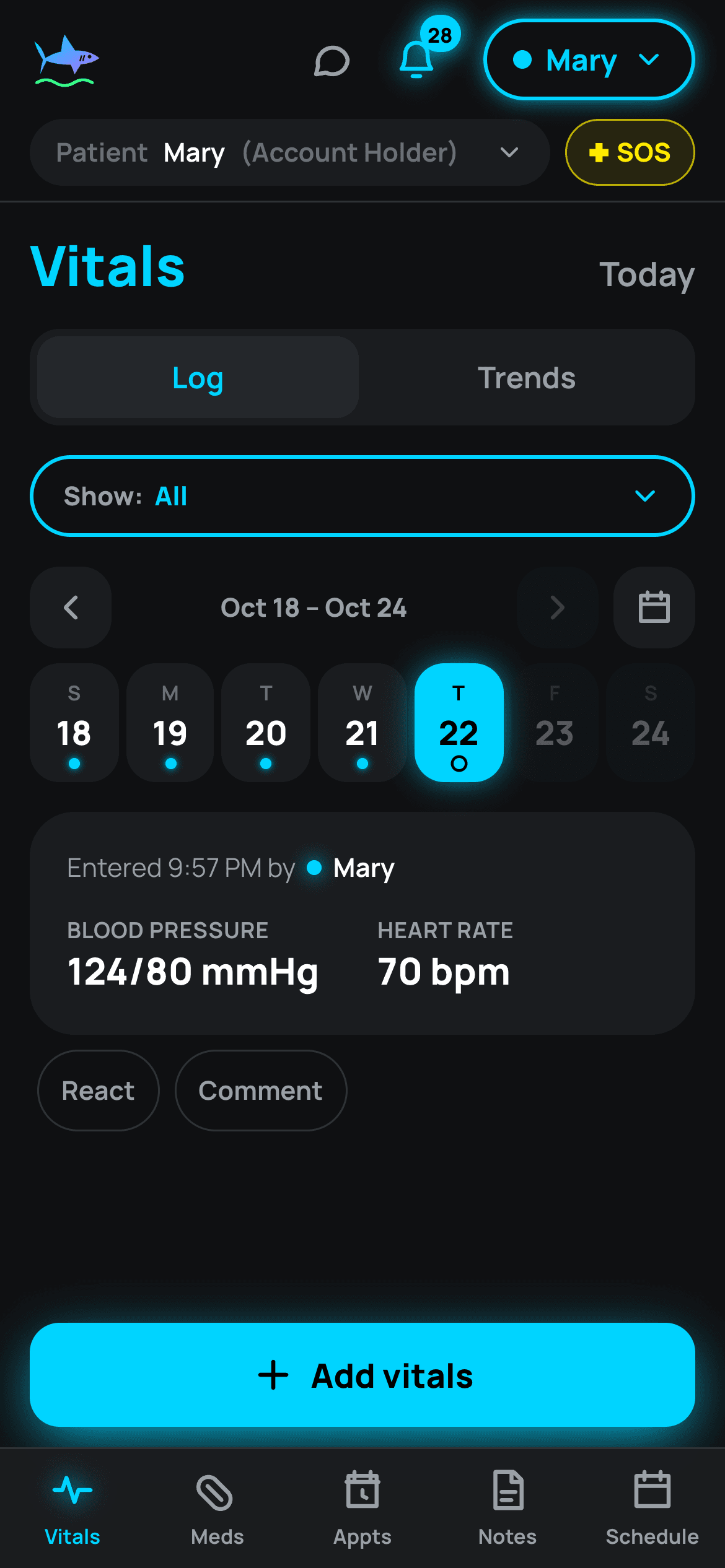
Choose “Myself” during setup and switch on only the tools you'll use. Tracking blood pressure and two medications? Turn on Vitals and Meds and leave the rest off, so the app stays simple.
Schedule and Tasks are for families who work with caregivers, with shifts, clock-in and task checklists. If it's just you, turn them off and they disappear from your screens. You can change your mind any time.
Log your vitals and see the trend
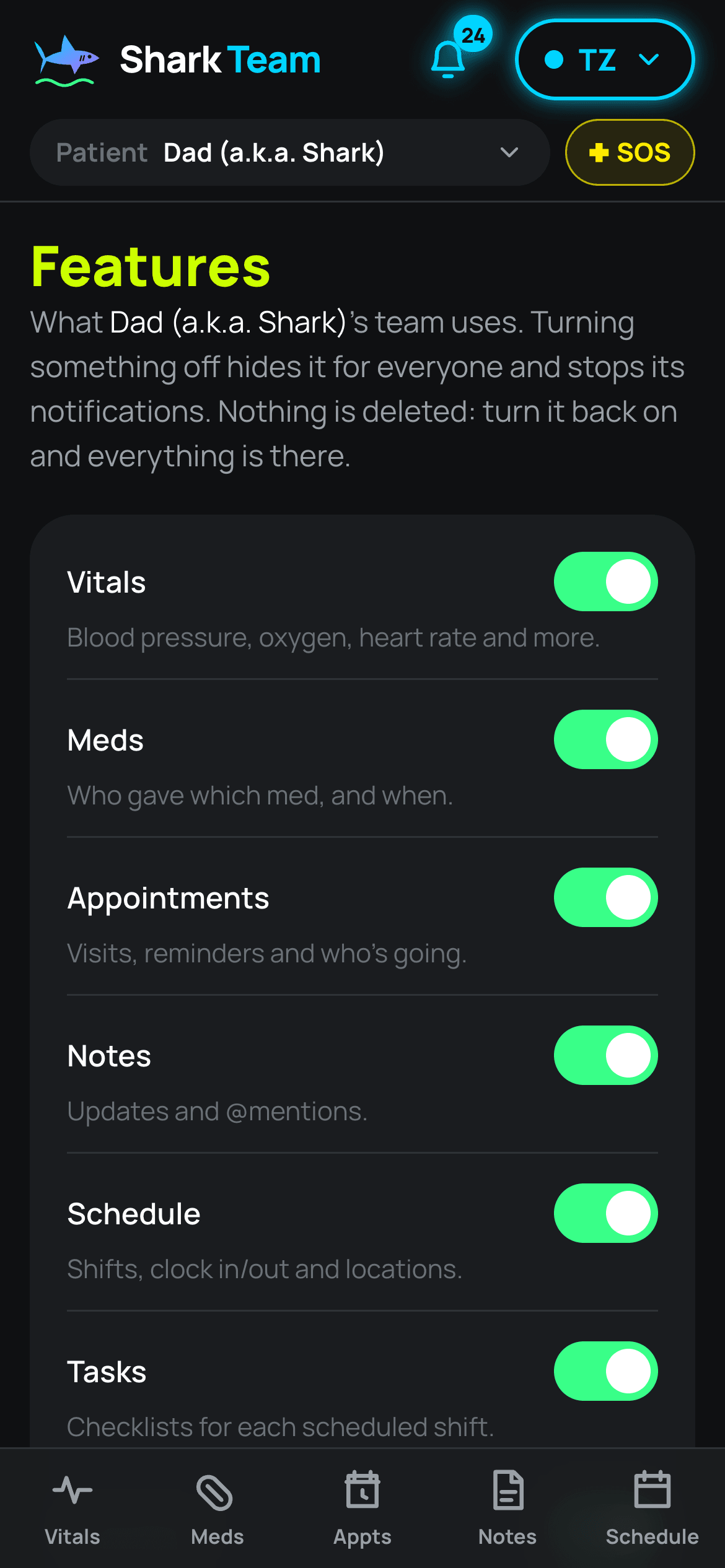
Log blood pressure, heart rate, oxygen, blood sugar, temperature or your own custom measurements, like weight or a pain score. Each reading is saved with the date and time, and the Trends view shows how things are changing.
Taking readings at home? Our guide on how to keep a blood pressure log at home covers when to measure and how to get an accurate reading. See all the vitals tracker features.
- Common vitals plus your own
- Trends over days and weeks
- Optional range alerts
Medication reminders and a dose history
Add your medications with reminder times. Each time you take one, log it. Your dose history makes it easy to answer “Have I been taking this every day?” and to notice a pattern, like missed evening doses.
Turn on supply tracking for a med to get a heads-up before you run out.
- Reminders at the times you choose
- A history of every dose
- A heads-up before you run out
Appointments and reminders, including your own notes
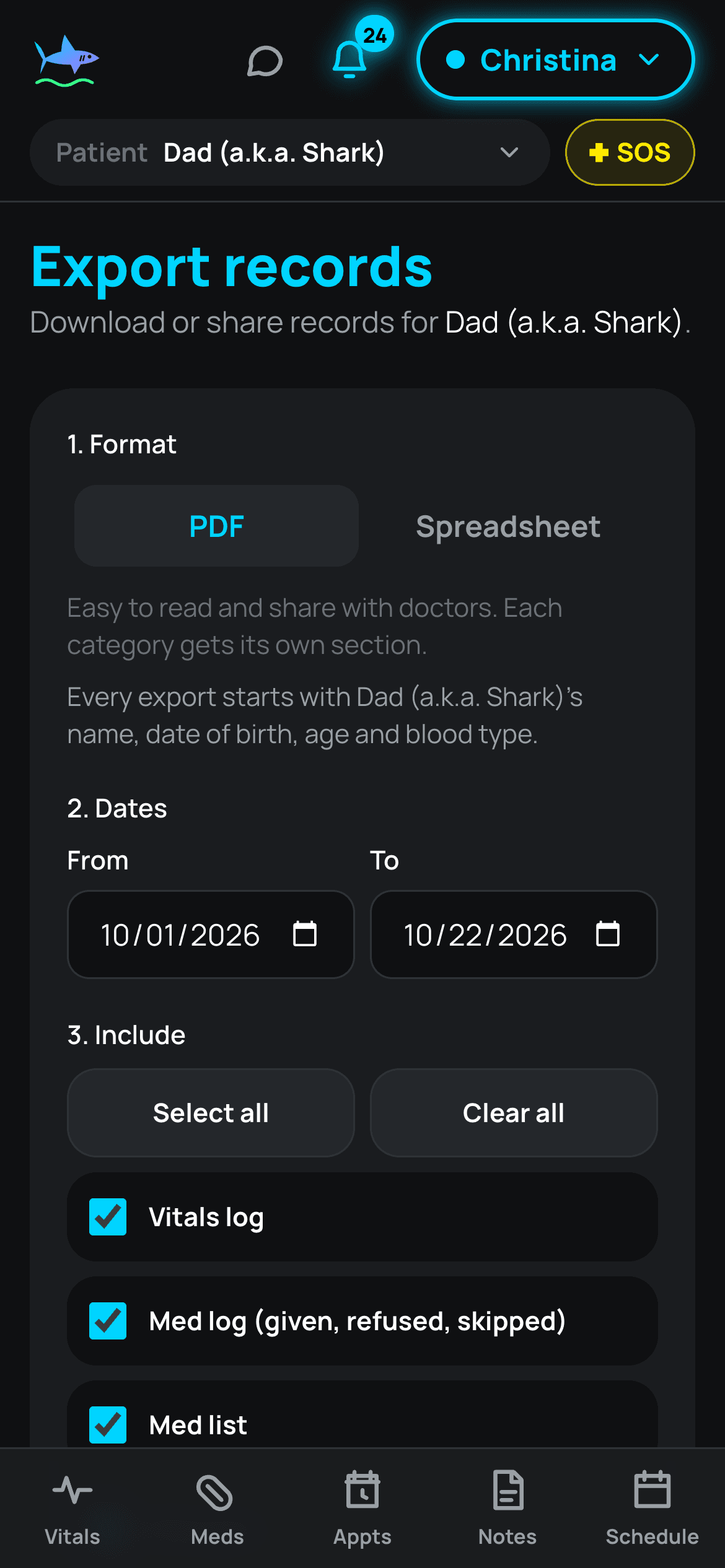
Keep your appointments in one place, with reminders the day before and 2 hours out. Add a custom reminder with a note, like “Fasting labs: nothing to eat after midnight,” at exactly the time you need it.
A clean PDF for your doctor
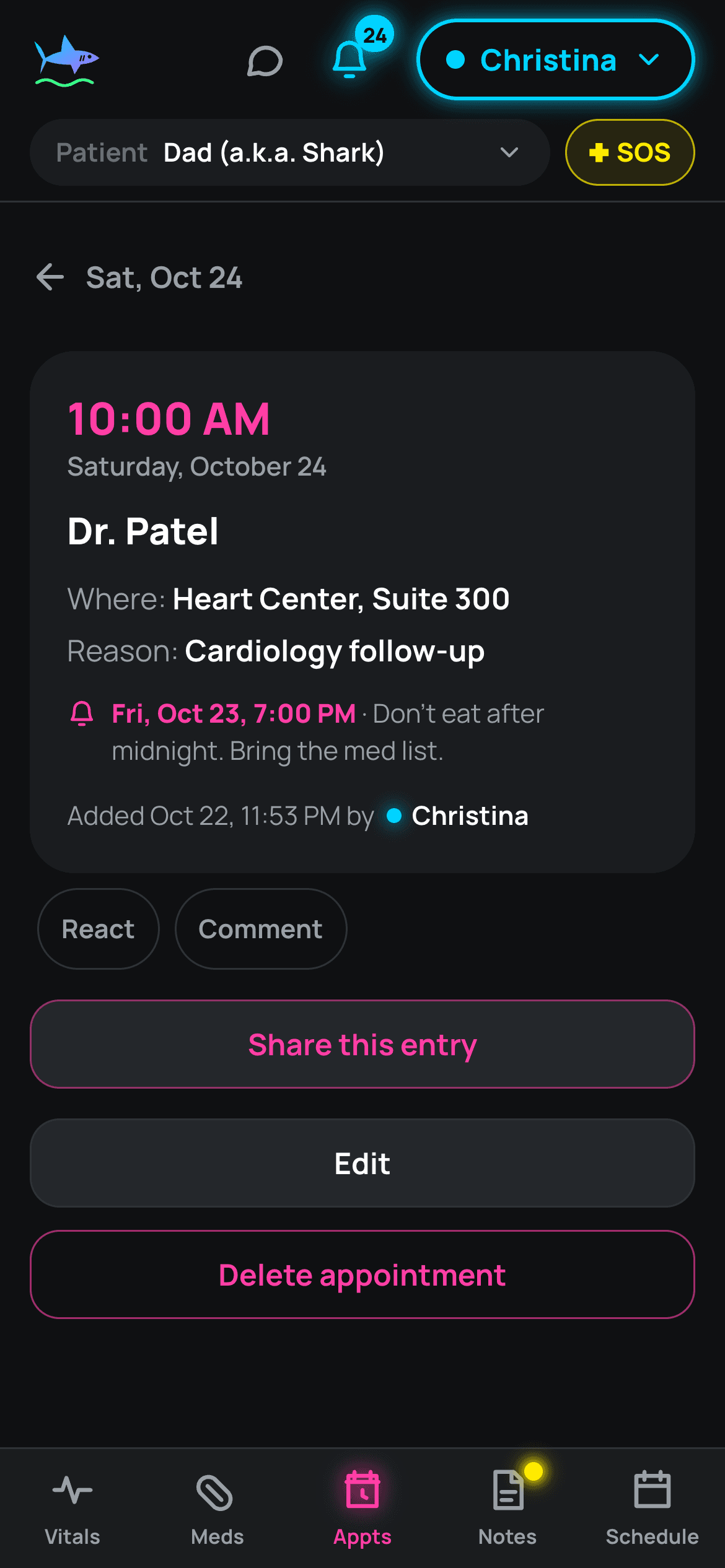
Before a visit, export your vitals, med log or med list as a PDF or spreadsheet for the dates you choose. Your doctor sees real numbers instead of “I think it's been fine.” You also get an emergency info card with your allergies, conditions and meds.
If you ever want family to see how you're doing, invite them as Viewers. They can see your logs without changing anything, and you can remove them any time.
Who uses a personal health tracker
People with high blood pressure
A morning and evening log that's ready for the doctor.
People with diabetes
Blood sugar readings and meds in one place.
Anyone starting a new med
Reminders and a record of every dose.
Adults who want family in the loop
Share with a son or daughter as a Viewer, only if you want to.
Sources and further reading
- American Heart Association: Home blood pressure monitoring: how to take accurate readings at home
- CDC: About high blood pressure: what blood pressure is and why it matters
Private by design
Each patient's information is shared only with the people you invite, and each role sees only what it should. We never sell your data, there are no ads, and there's no tracking. Lock-screen notifications never show readings or message text. Read our privacy policy.
Not medical advice
Shark Team helps you keep good records and share them. It doesn't give medical advice, diagnose anything or replace your doctor, nurse or pharmacist. In an emergency, call 911.
Personal health tracker questions
Is it free?
Early access is free.
Can I use it just for myself?
Yes. Pick “Myself” when you set up, turn on only what you want, and use it on your own. You can invite others any time, or never.
Do I need caregivers or a care team?
No. Turn off Schedule and Tasks, which are for families with caregivers, and Shark Team becomes a simple tracker just for you.
Is my health data private?
Yes. Only you can see it unless you invite someone. Shark Team has no ads, never sells your data and has no tracking. Your information is stored in the United States and encrypted.
Does it work on iPhone and Android?
Yes. It works on iPhones (in Safari), Android phones (in Chrome), tablets and computers. Add it to your home screen so it opens like a regular app.
Can I track my own health and a family member's?
Yes. You can have your own profile and help care for others, each with their own private team. Switching between them takes one tap.
Get your family's care on the same page.
Early access is free. We'll set you up personally.