CAREGIVER APP
The caregiver app for your whole care team
Caring for someone takes a team: brothers and sisters, a spouse, paid caregivers, sometimes a neighbor who checks in. Shark Team gives that team one shared place for vitals, meds, appointments, updates, shifts and tasks, so nobody has to piece the day together from group texts.
We built it after eight years of running our own dad's care with texts and a shared calendar. It's the app we wished we had.
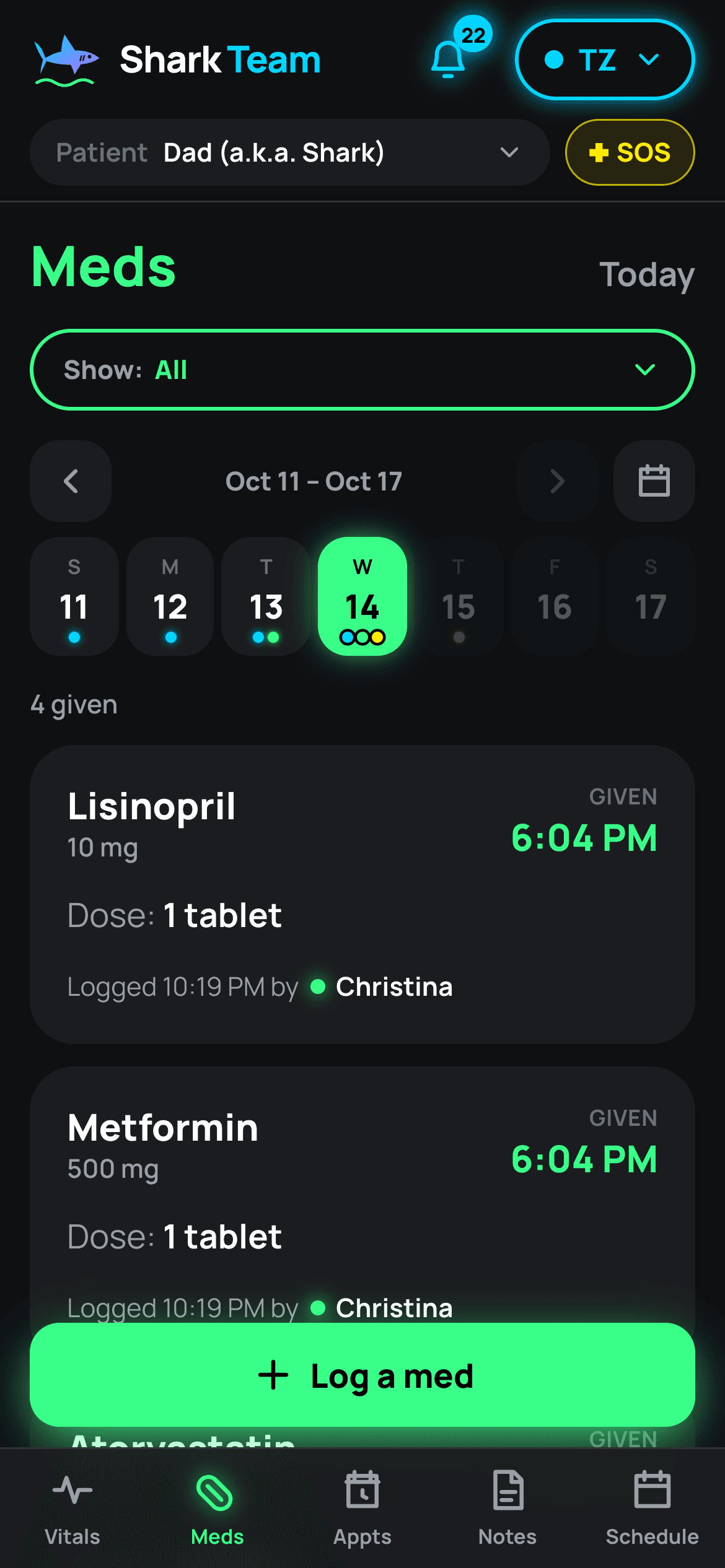
One shared place instead of a dozen group texts
When care is spread across texts, calls, sticky notes and a paper log on the fridge, things slip. Someone asks “Did Dad get his evening meds?” and three people answer differently. Shark Team replaces all of that with one record everyone on the team can see.
Every entry shows who logged it and when. If someone fixes a mistake later, the original is kept, so you can always see what was first written down.
- Every entry shows who logged it and when
- Edits keep the original
- Everyone sees the same record, on their own phone
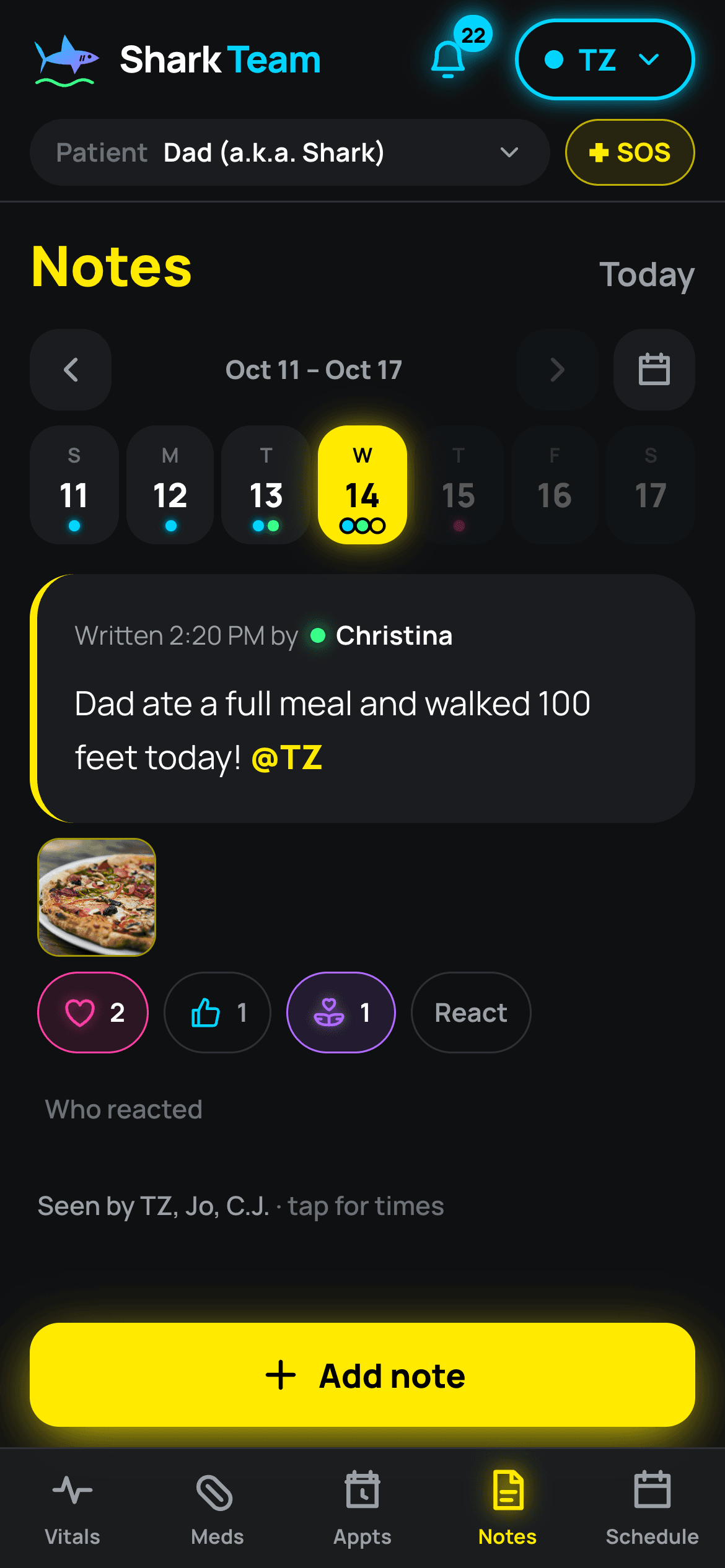
Turn on only the care tools you need
Not every family needs every feature. Turn tools on or off for each person you care for: vitals, meds, appointments, notes, schedule, tasks and supplies. A parent tracking a child's antibiotic might only want meds and appointments. A family running 24/7 home care will want all of them.
You can also add your own things to track, like a wound measurement or a daily walk, alongside the usual vitals such as blood pressure and oxygen.
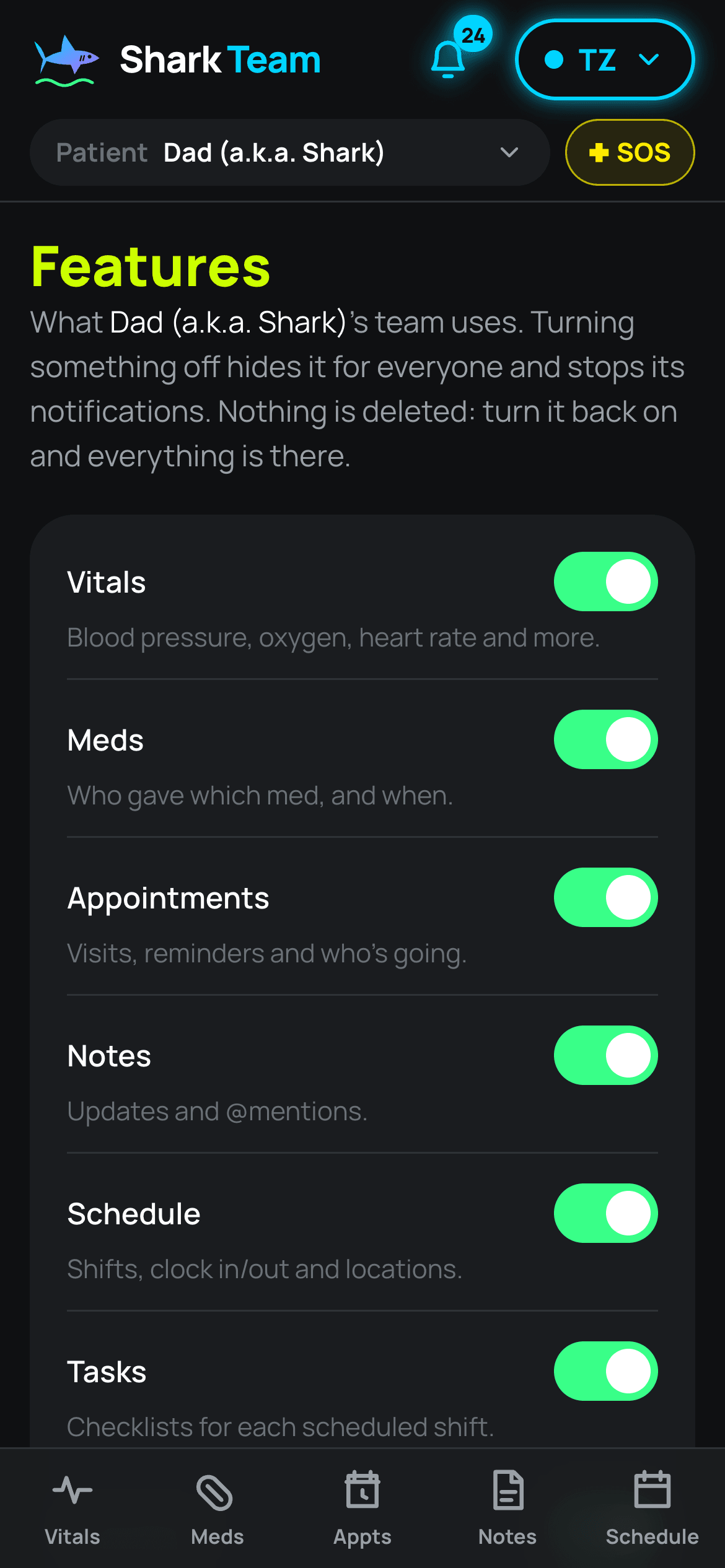
Caregiver scheduling, clock-in and shift handoffs
If you have paid caregivers or family taking shifts, build the schedule right in the app. Caregivers can clock in with GPS when they're actually at the house, check off the shift's tasks, and leave a handoff note for whoever comes next.
The next caregiver sees that handoff the moment they clock in. No more phone calls at shift change, and no more guessing what was done. Read more about caregiver scheduling and care task checklists.
- GPS clock-in within 500 feet of the location
- Handoff notes shown at the next clock-in
- Hours worked for any dates
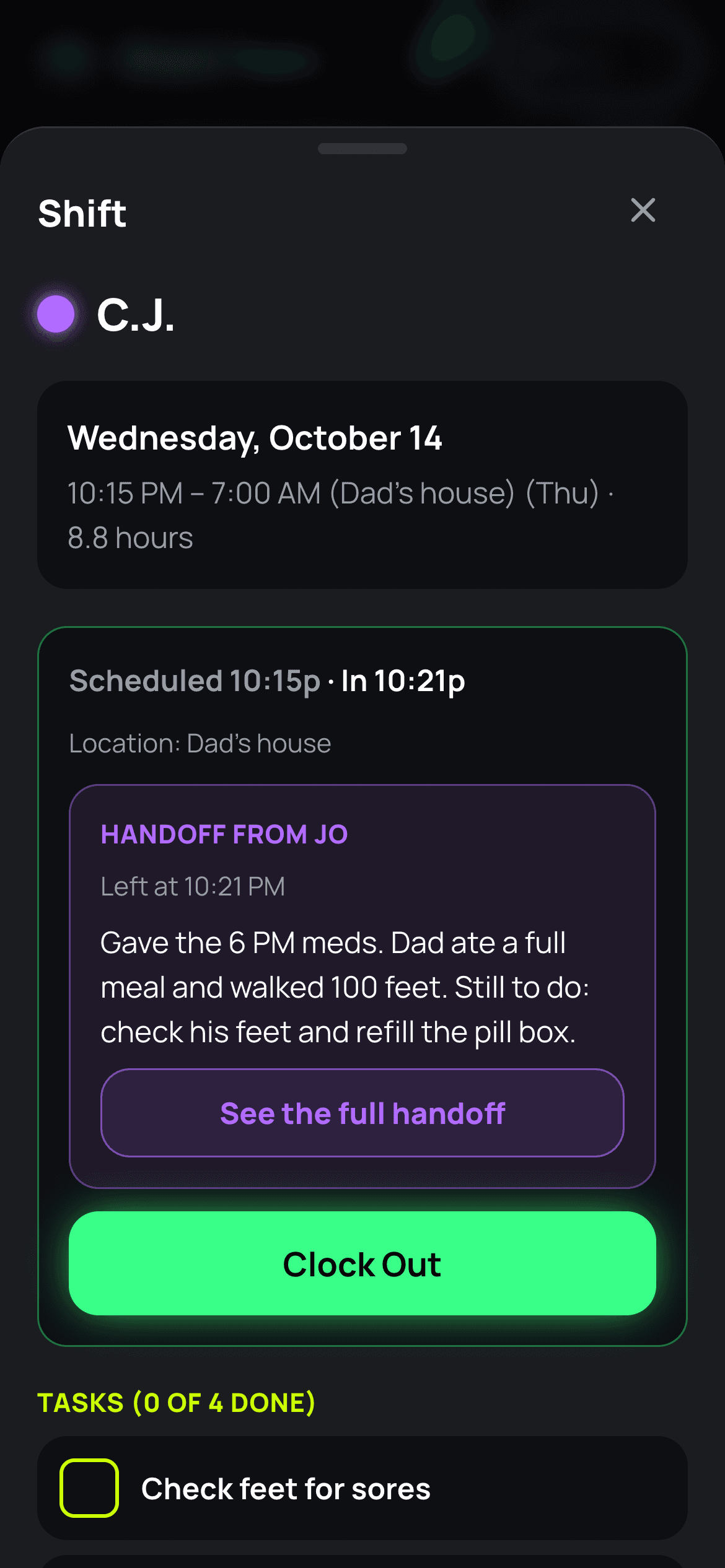
Four simple roles, so everyone sees the right things
Account Holder runs the team and has every permission. Admins help manage it: the schedule, the med list, the team. Caregivers log care and work their shifts. Viewers can see what's happening without changing anything, which is perfect for a relative who wants to stay informed from far away.
Each person you care for has their own private team. Someone on Dad's team never sees anything about Mom unless you add them to her team too.
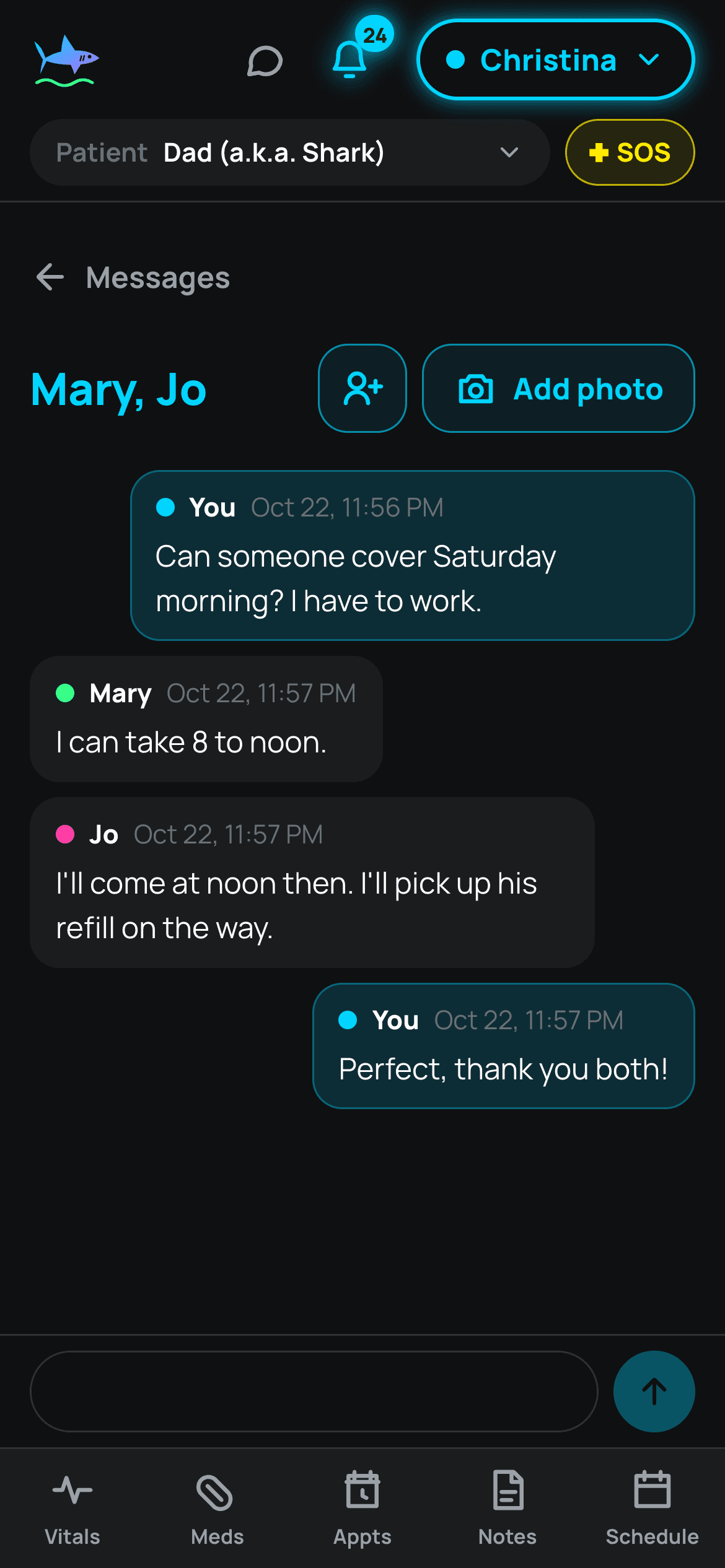
Messages, comments and notifications that reach the right people
Message your team privately, one-on-one or in a group. Comment on any log entry to ask a question right where it matters. Mention someone with @ so they don't miss it.
Notifications tell people what they need to know, like a missed dose or a vital out of range, and each person can turn most of the others on or off in Settings. Lock-screen notifications never show readings or message text, so private details stay private even on a locked phone.
Works on any phone, even with no signal
Shark Team runs on iPhone, Android, tablets and computers. There's no app store download: open the link, and add it to your home screen so it opens like a regular app. Caregivers you invite join the same way.
No signal at the house? You can still see the last 7 days, open the emergency info card, and log vitals, meds, notes and task check-offs. Everything sends automatically when the signal comes back.
Who uses a caregiver app like this
Families sharing a parent's care
Siblings and spouses taking turns, all seeing the same meds, visits and updates.
Families with paid caregivers
Shifts, clock-in, tasks and handoffs, with the family kept in the loop.
24/7 home care
Several caregivers a day, each starting their shift caught up.
Family who live far away
Viewer access to see how things are going without calling every day.
Parents
Kids' meds and appointments, shared with the other parent or a babysitter.
Anyone tracking their own health
Your own vitals and meds, with the option to share later.
Private by design
Each patient's information is shared only with the people you invite, and each role sees only what it should. We never sell your data, there are no ads, and there's no tracking. Lock-screen notifications never show readings or message text. Read our privacy policy.
Not medical advice
Shark Team helps you keep good records and share them. It doesn't give medical advice, diagnose anything or replace your doctor, nurse or pharmacist. In an emergency, call 911.
For care teams questions
Is Shark Team free?
Early access is free.
Do caregivers need to download an app?
No app store needed. Caregivers open the invite link you send, create a password and they're in. They can add Shark Team to their home screen in a few taps so it opens like a regular app.
Does it work on iPhone and Android?
Yes. Shark Team works on iPhones (in Safari), Android phones (in Chrome), tablets and computers.
Does Shark Team hire or check caregivers?
No. Shark Team is a tool for organizing care. It doesn't hire, screen, employ or supervise caregivers, and the hours it records are a helpful log, not a payroll system.
Can I manage care for more than one person?
Yes. Each person you care for gets their own private team, with their own features and people. Switching between them takes one tap.
Get your family's care on the same page.
Early access is free. We'll set you up personally.