CARING FOR AGING PARENTS
Caring for aging parents, with the whole family organized
It often starts with one phone call: a fall, a stroke, a new diagnosis. Suddenly you're managing medications you can't pronounce, appointments with five specialists, and a family group text that never stops. That's how it started for us, with our dad's first stroke in 2018.
Shark Team brings the pieces together in one place: vitals, meds, appointments, family updates and caregivers, whether you live down the street or across the country.
Start with the basics: meds, doctors and the emergency card
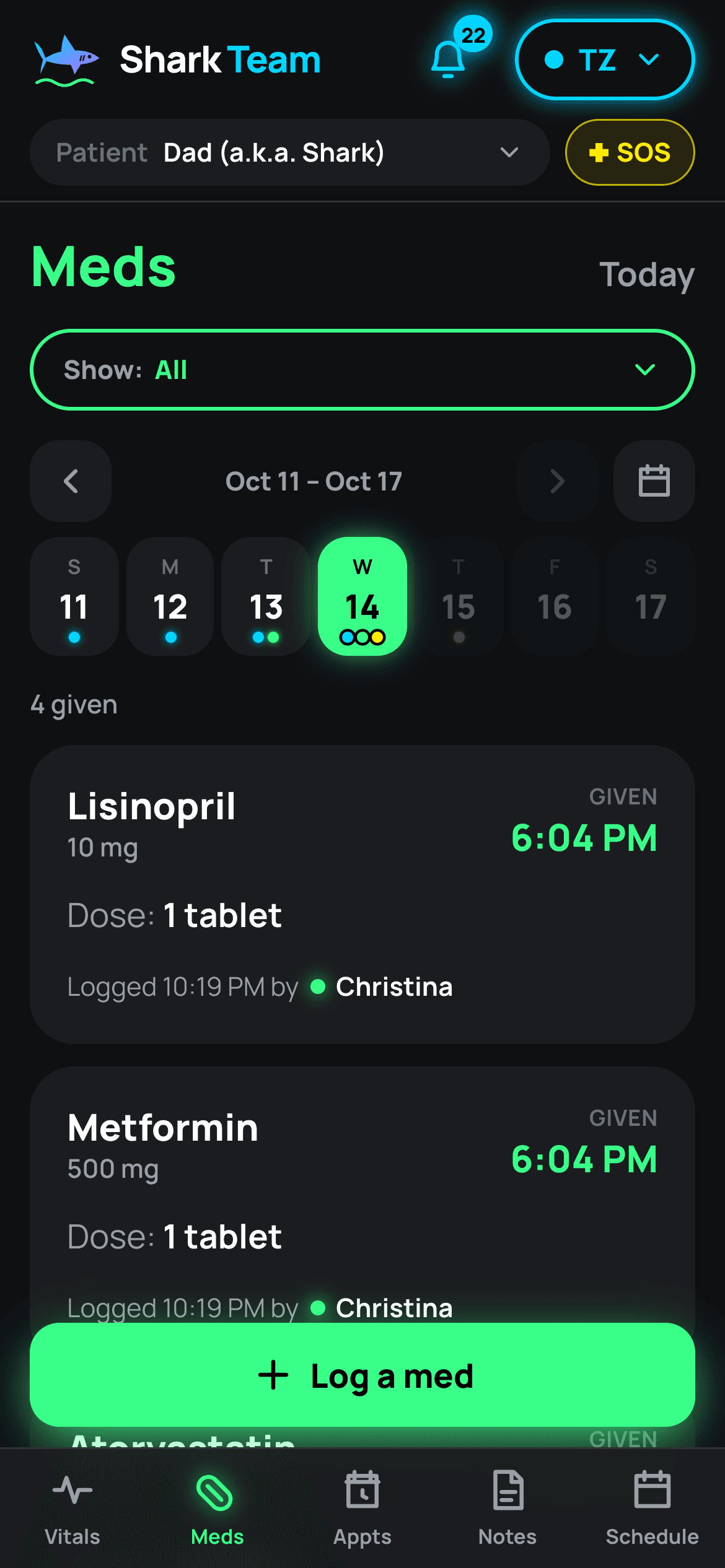
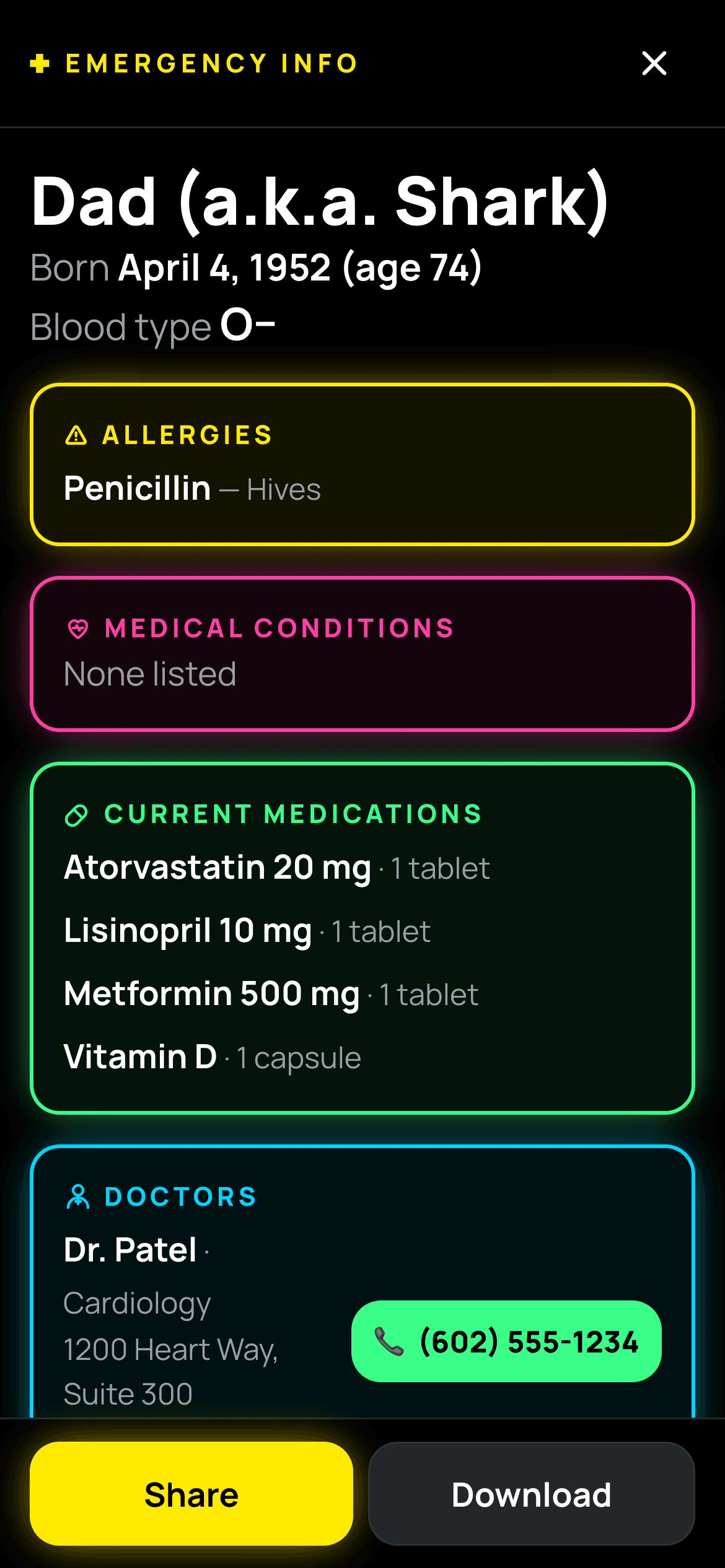
The first job when caring for an aging parent is getting the information in one place. Make a list of every medication, every doctor, allergies and conditions. In Shark Team, that list becomes the med list, your saved doctors and the emergency info card, which anyone on the team can open with one tap.
Our guide on how to keep track of a parent's medications walks through it step by step.
Share the work between siblings and family
Caring for an elderly parent rarely falls evenly. Shark Team makes the work visible: who gave the meds, who went to the appointment, who posted the last update. Divide jobs clearly, and use notes, comments and private messages instead of a group text where things get lost.
See family care coordination and our guide to coordinating care with siblings when you live apart.
Bring in caregivers when you need help
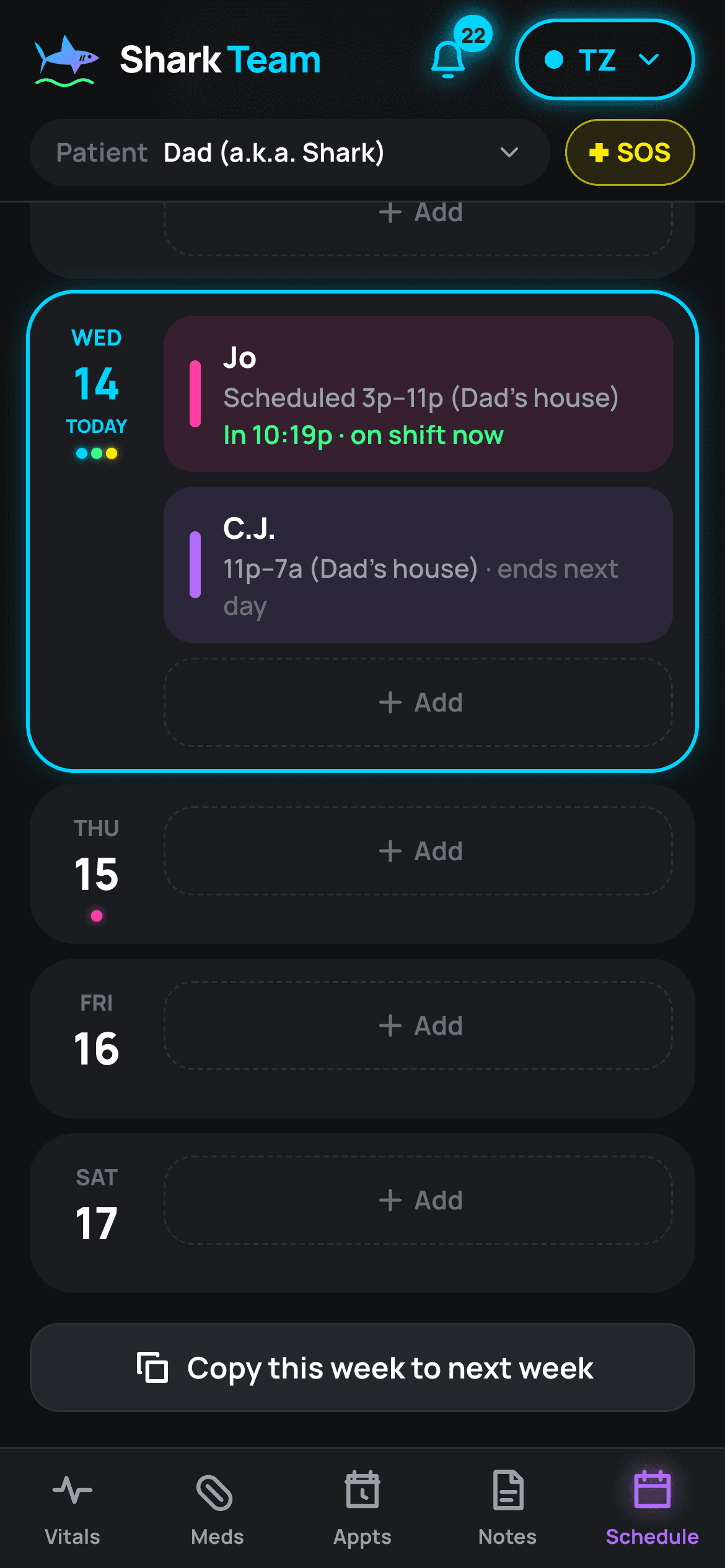
When a parent needs more help than family can give, many families hire caregivers for a few hours a day or around the clock. The schedule, GPS clock-in, task checklists and shift handoffs keep everyone coordinated, and the family can see what happened on every shift.
Read about the caregiver schedule and how to organize 24/7 home care. Shark Team doesn't hire or screen caregivers; it helps you coordinate the ones you choose.
Stay close when you live far away
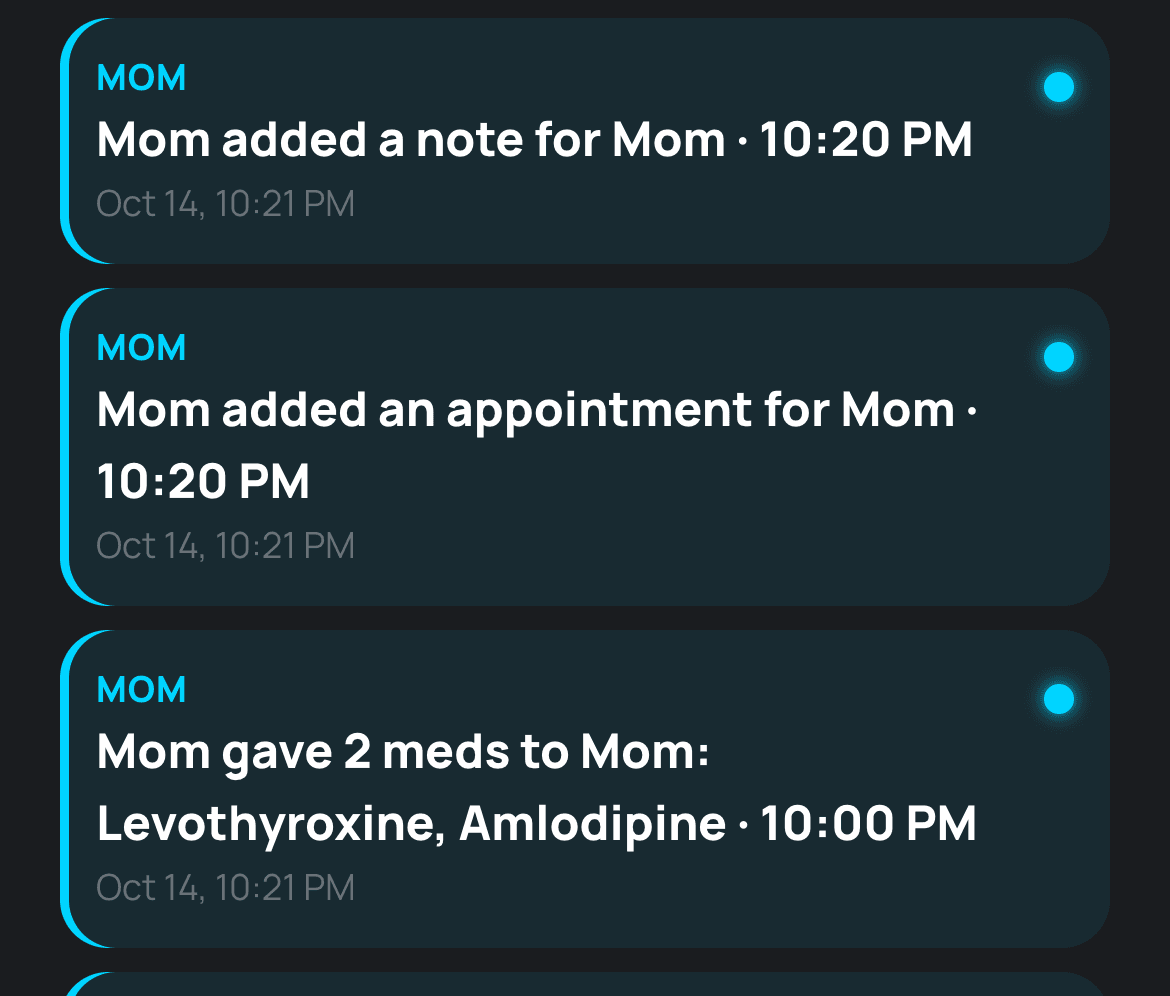
If you're the long-distance son or daughter, join as a Viewer. You'll see the vitals, meds, visits and updates as they're logged, and notifications tell you when something new is logged.
Some parents prefer to keep their own records. They can track their own meds and appointments in Shark Team and invite you to see them, so you're in the loop without taking over.
Be ready for every doctor visit
Bring real records, not guesses. Export vitals and the med log as a PDF for the doctor, set reminders for every appointment, and add a custom reminder like “Don't eat after midnight” before a procedure. Our doctor appointment checklist covers what to bring and what to ask.
And take care of yourself too. Caregiver burnout is real. Sharing the load, and having one place for the details, is one of the best ways to make the work sustainable.
Who this is for
The sibling who lives nearby
Log what you do, and let the family see it without a phone call.
The sibling who lives far away
See everything as a Viewer and help from wherever you are.
Spouses caring for a partner
One place for meds and visits, and help from your kids when you need it.
Families with hired help
Caregivers and family on the same schedule and the same record.
Private by design
Each patient's information is shared only with the people you invite, and each role sees only what it should. We never sell your data, there are no ads, and there's no tracking. Lock-screen notifications never show readings or message text. Read our privacy policy.
Not medical advice
Shark Team helps you keep good records and share them. It doesn't give medical advice, diagnose anything or replace your doctor, nurse or pharmacist. In an emergency, call 911.
For aging parents questions
Is Shark Team free?
Early access is free.
My parent isn't good with technology. Can they still use it?
They don't have to. Family and caregivers can do all the logging. If your parent wants to, they can join and see their own records, or log their own meds and appointments.
Can several siblings manage it together?
Yes. Invite each sibling and choose their role. Admins can help manage everything; Viewers can see without changing anything.
Is our family's information private?
Yes. Only the people you invite can see anything. Shark Team has no ads, never sells your data and has no tracking. Data is stored in the United States and encrypted.
Does it work on iPhone and Android?
Yes. Shark Team works on iPhones (in Safari), Android phones (in Chrome), tablets and computers, with no app store download.
Get your family's care on the same page.
Early access is free. We'll set you up personally.