FAMILY CARE COORDINATION
Family care coordination without the endless group texts
One sibling lives nearby and does the driving. Another handles the pharmacy. A third lives three states away and wants to know how Dad is doing without calling every day. Without one shared place, someone always ends up out of the loop, and someone always ends up doing too much.
Shark Team keeps the whole family on the same page, with shared updates, private messages, comments and notifications that reach the right people.
Shared notes the whole family actually sees
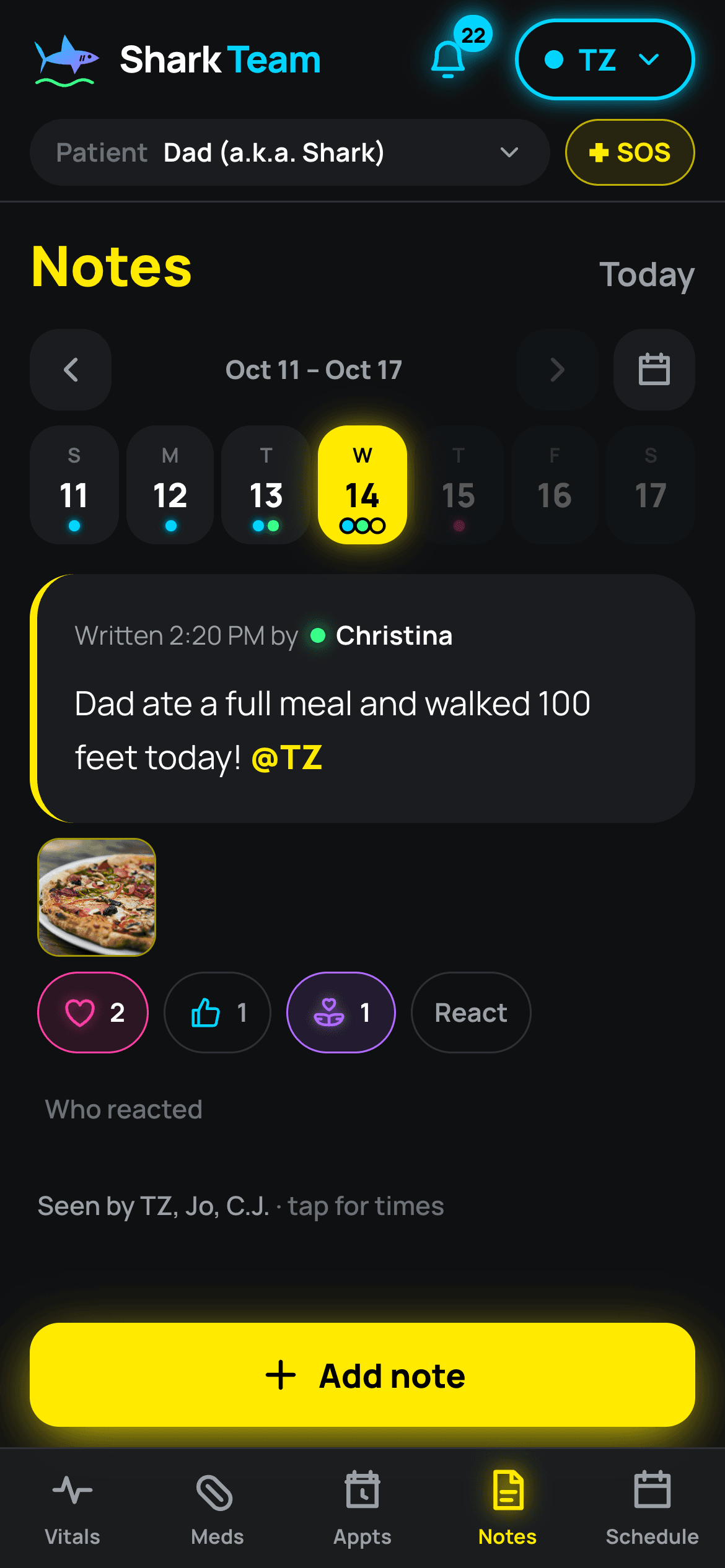
Post an update with a photo or video: “Dad ate a full meal and walked 100 feet today!” @mention one person so they get a notification, or @everyone when the whole team needs to know. Family can react with a heart or a thumbs up, so you know it landed.
The Account Holder and Admins can see who has read each note, which takes the guesswork out of “Did everyone see this?”
- Photos, videos and @mentions
- Reactions so you know it landed
- See who's read it (Account Holder and Admins)
Private messages for the conversations that don't belong in the log
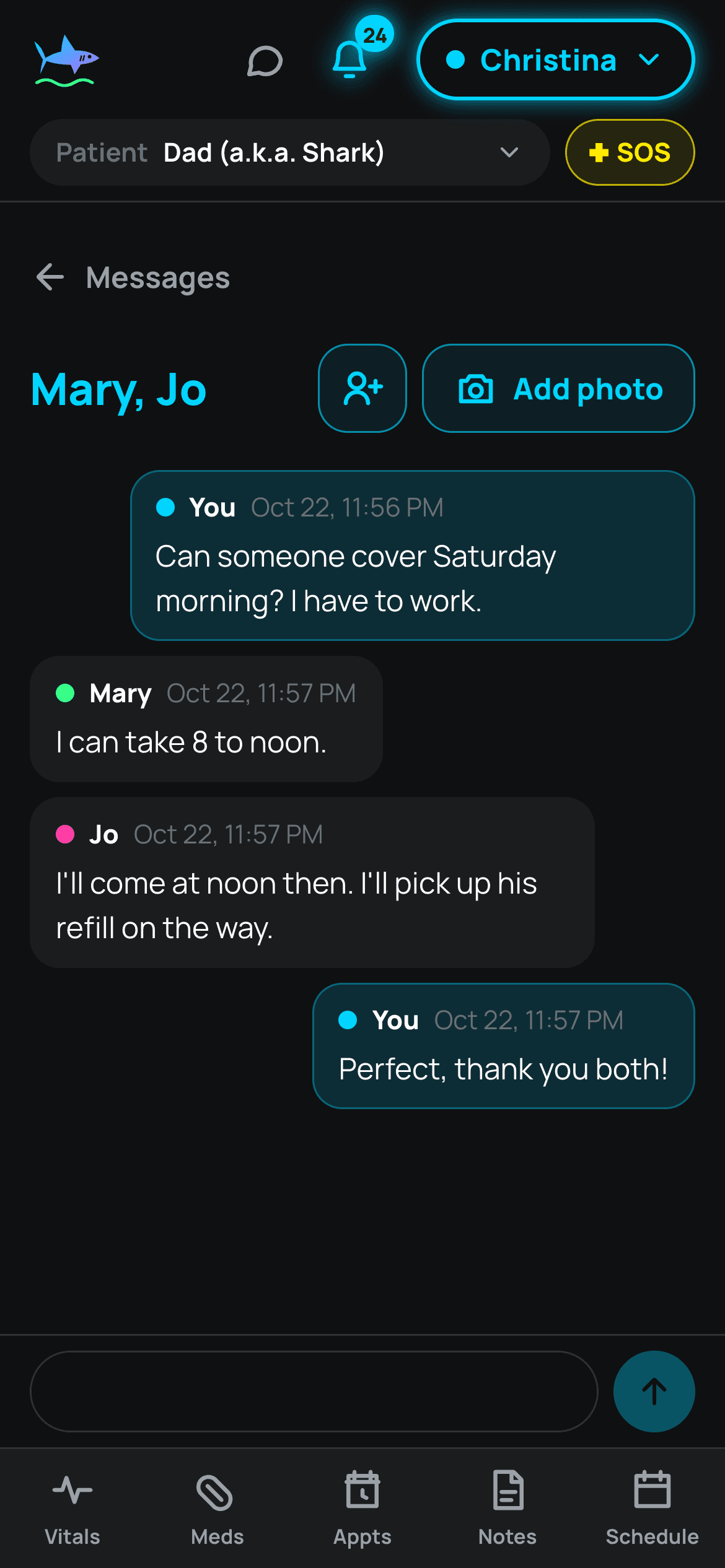
Some things need a quick back-and-forth: who can cover Saturday, whether to call the doctor, who's picking up the refill. Message one person or start a group chat with just the people involved. Only the people in a chat can see it.
Add photos and videos, reply to a specific message, and see when your message was seen.
Comments right where the question is
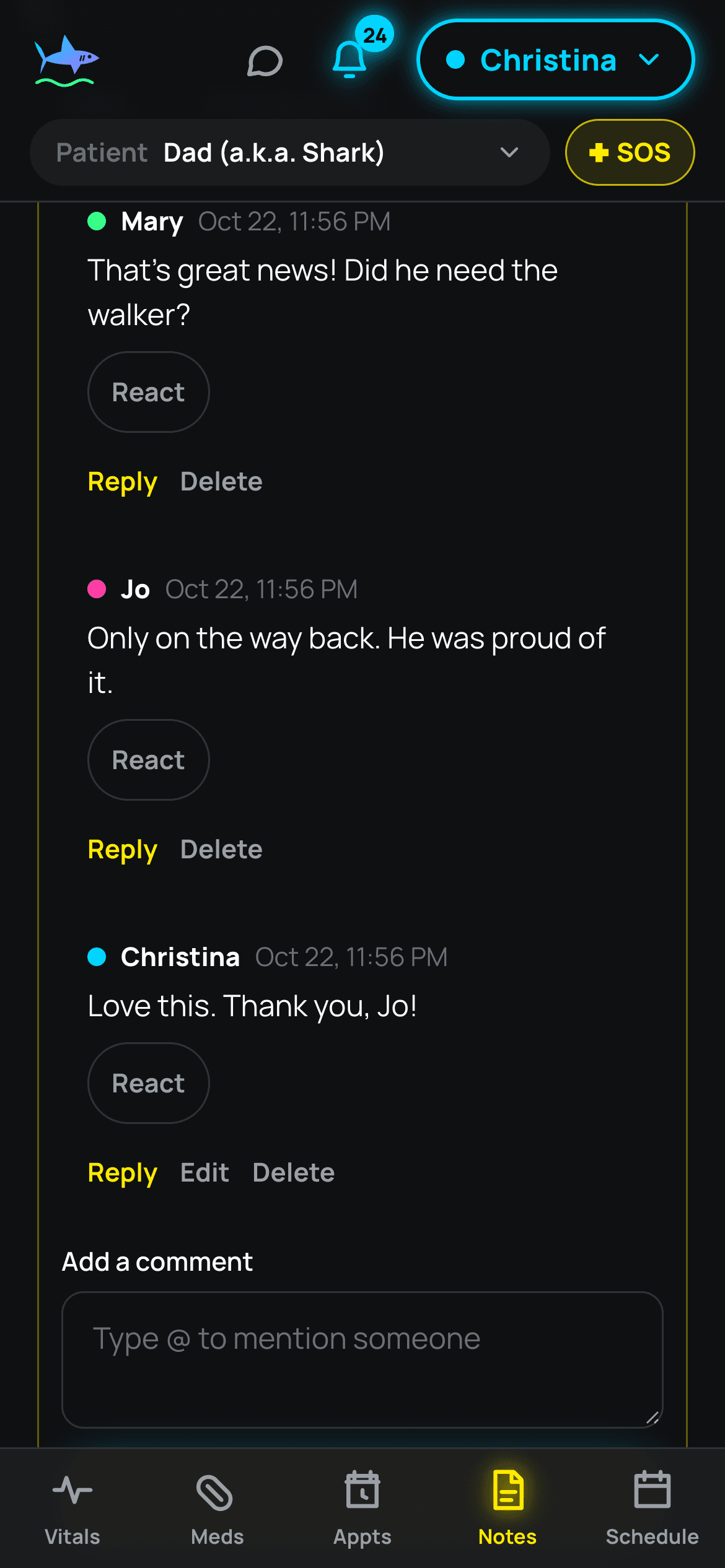
Wondering about a blood pressure reading or a skipped dose? Comment on that entry instead of starting a new text thread. Replies stay together under the entry, so the question and the answer are always in context.
React to any comment, and @mention someone to bring them into the conversation.
Share the work, not just the news
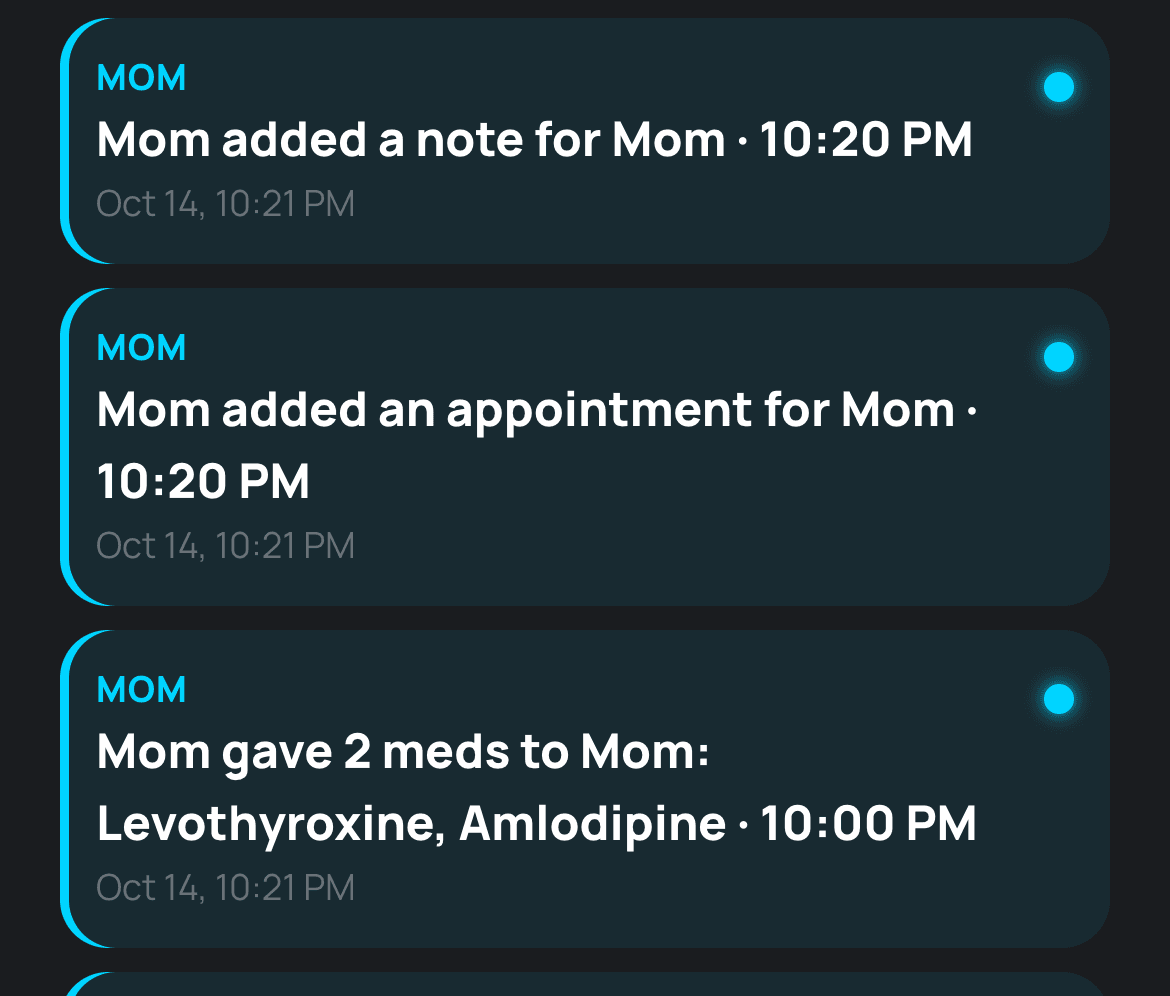
Coordination is more than staying informed. When every dose, reading and appointment shows who handled it, it's easier to see how the work is really split, and to ask for help before one person burns out. Siblings far away can take on jobs that don't need to happen in person, like booking appointments, calling the insurance company or managing the caregiver schedule, while the sibling nearby handles the visits.
Give each person the role that fits: Admins to help run things, Caregivers to log care, Viewers to follow along. Everyone works from the same record, so nobody has to repeat the same update three times.
Notifications that keep everyone in the loop
Choose what you hear about: new vitals, meds, appointments, notes, comments, reactions and more. Some alerts, like a missed dose or a vital out of range, go to the Account Holder and Admins no matter what, because they matter.
Family far away can join as Viewers: they can see what's logged without being able to change anything. It's the easiest way to stay close from a distance. Read our guide on coordinating care with siblings when you live apart.
Who uses Shark Team to coordinate family care
Siblings sharing a parent's care
Everyone sees the same updates, and the work is easier to share.
Long-distance family
Viewer access and notifications from anywhere.
Spouses and partners
One shared record when you're both handling meds and appointments.
Families with paid caregivers
Caregivers post updates, and the family stays informed.
Private by design
Each patient's information is shared only with the people you invite, and each role sees only what it should. We never sell your data, there are no ads, and there's no tracking. Lock-screen notifications never show readings or message text. Read our privacy policy.
Family care coordination questions
Is it free?
Early access is free.
Can family see everything?
Only the people you invite to that patient's team can see anything, and each person's role decides what they can do. Viewers can see but not change anything. Private messages are visible only to the people in that chat.
Do lock-screen notifications show private details?
No. Lock-screen notifications never show readings or the words of a message or comment. Med notifications can show the med's name and usual dose. A custom appointment reminder shows the note you wrote for it.
Can relatives who aren't tech-savvy use it?
Yes. They open the invite link, create a password and they're in. Everything is in plain words with large buttons, and they can add it to their home screen in a few taps.
Does it replace group texts?
For care, yes. Updates, questions and schedules live in one place, so nothing gets buried in a busy family thread.
Get your family's care on the same page.
Early access is free. We'll set you up personally.